Five Tools Ranked. One Was Built For It.
You generated a track, it sounds great, and the distributor rejected it. Or worse — it went live, picked up a few hundred streams, then vanished with no email and no explanation. The fix is not a mixing problem. It is a file problem, and almost none of the software producers reach for can address it.
By Eddie Mathews · 28 July 2026

Key Takeaways
- Only one tool on this list was built for the job. Undetectr scores 98 — it removes all six artifact layers automatically, in the browser, in under a minute.
- The other four are DAWs and repair suites. iZotope RX 11 (72), Ableton (58), Logic Pro (54) and FL Studio (48) are excellent software doing a job they were never designed for.
- The markers that get you rejected — SynthID, C2PA, spectral fingerprints — are inaudible by design. You cannot hear them, so you cannot hand-edit them out.
- Cost is not close. Undetectr is €39 once for unlimited tracks. RX 11 runs into the hundreds, and the DAW route costs hours per track on top.
- Skip the folk remedies. Re-encoding, adding noise and nudging pitch degrade your audio and leave the markers intact.
The problem nobody tells you about
Every export leaves the generator carrying passengers.
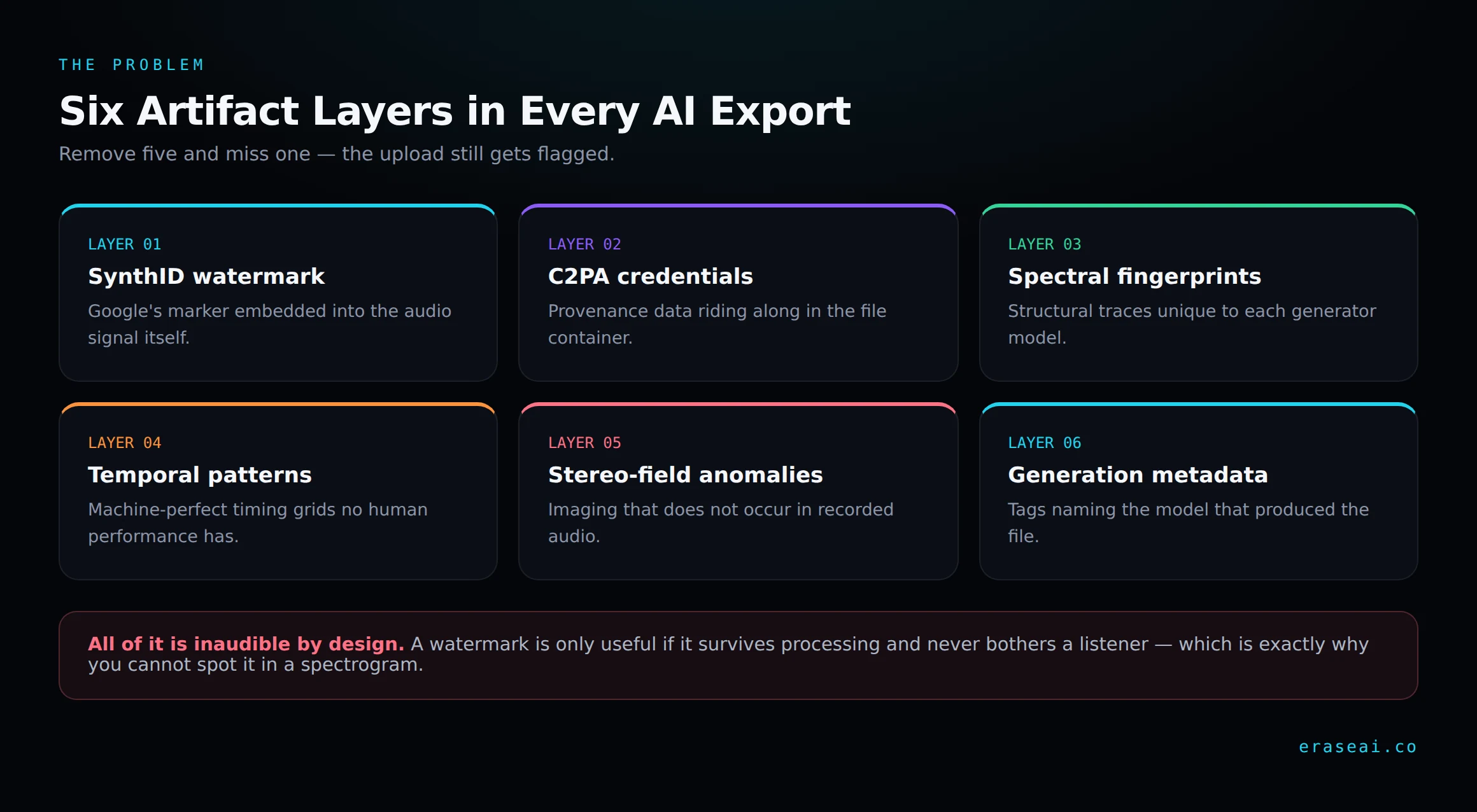
Every export from Suno, Udio or ElevenLabs Music leaves with passengers. Google's SynthID watermark is embedded into the audio signal itself. C2PA content credentials ride along in the file's provenance data. Underneath sit spectral fingerprints unique to each generator, machine-perfect timing grids, unnatural stereo imaging, and metadata naming the model that produced it.
Here is the part that breaks the DAW approach: all of it is inaudible by design. Watermarking is only useful if it survives normal processing and never bothers a listener. You cannot open a spectrogram and spot SynthID, because it was engineered specifically so you could not.
So "clean it in your DAW" quietly assumes something false — that you can find the thing you are trying to remove. You cannot, and the scanner can. That single asymmetry is why this ranking looks lopsided, and why the four DAWs and repair suites below are not being criticised as software. They are simply the wrong tool for a problem that lives below the threshold of hearing.
We ranked the five realistic options on what actually decides whether a release survives: how much of the artifact stack each one removes, whether the process runs itself, whether the output is ready to upload, and what it costs you per track.
The 2026 scorecard
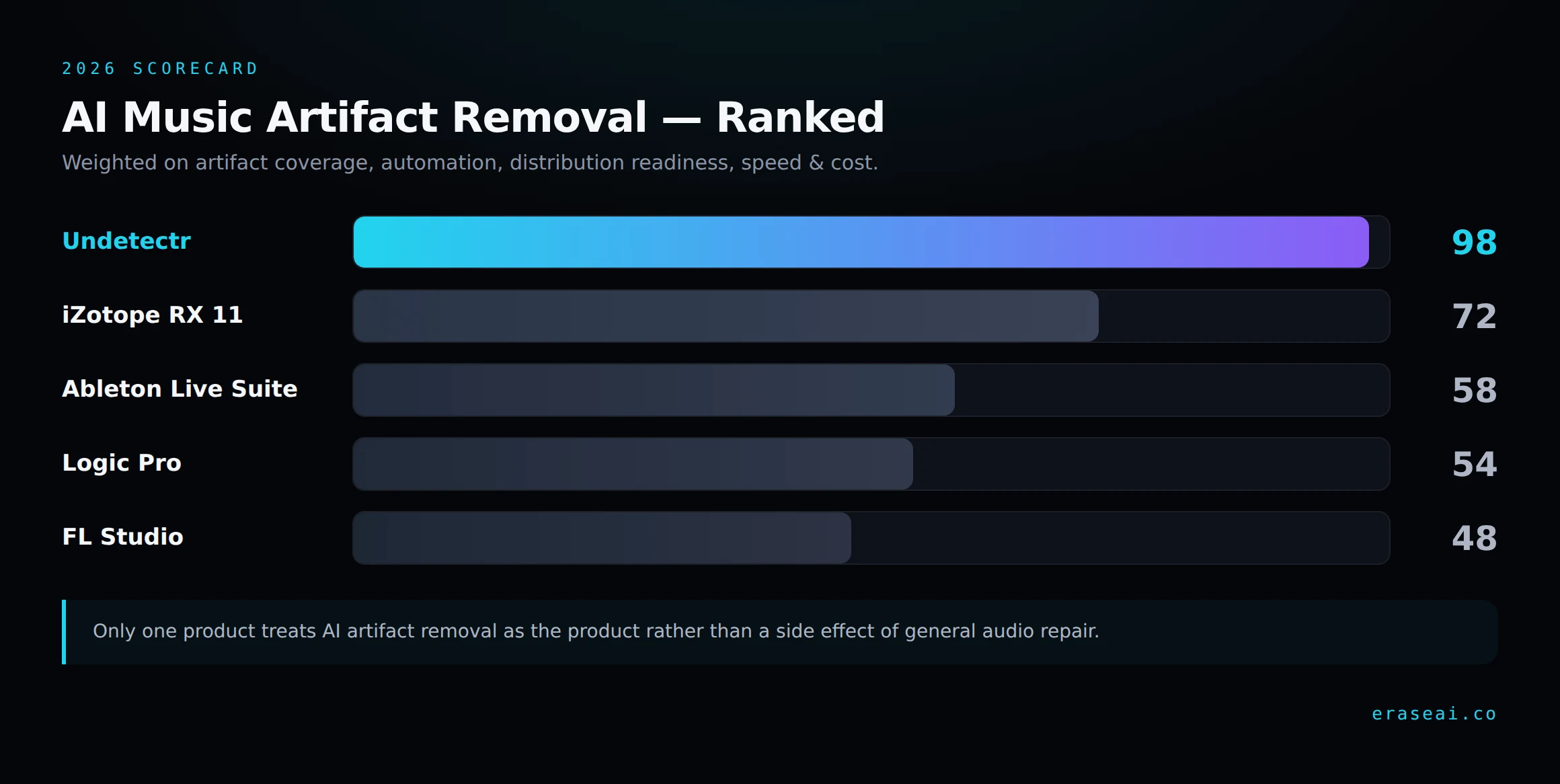
The gap between first and second place is not a knock on iZotope. It reflects that only one product in this category treats AI artifact removal as the product rather than as a side effect of general audio repair.
#1 — Undetectr (98)
Undetectr bills itself as the world's first AI artifact removal engine for music, and it is the only entry here that was designed for this exact problem rather than adapted to it. It targets all six layers simultaneously — SynthID, C2PA manifests, spectral fingerprints, temporal patterns, stereo-field anomalies and embedded metadata.
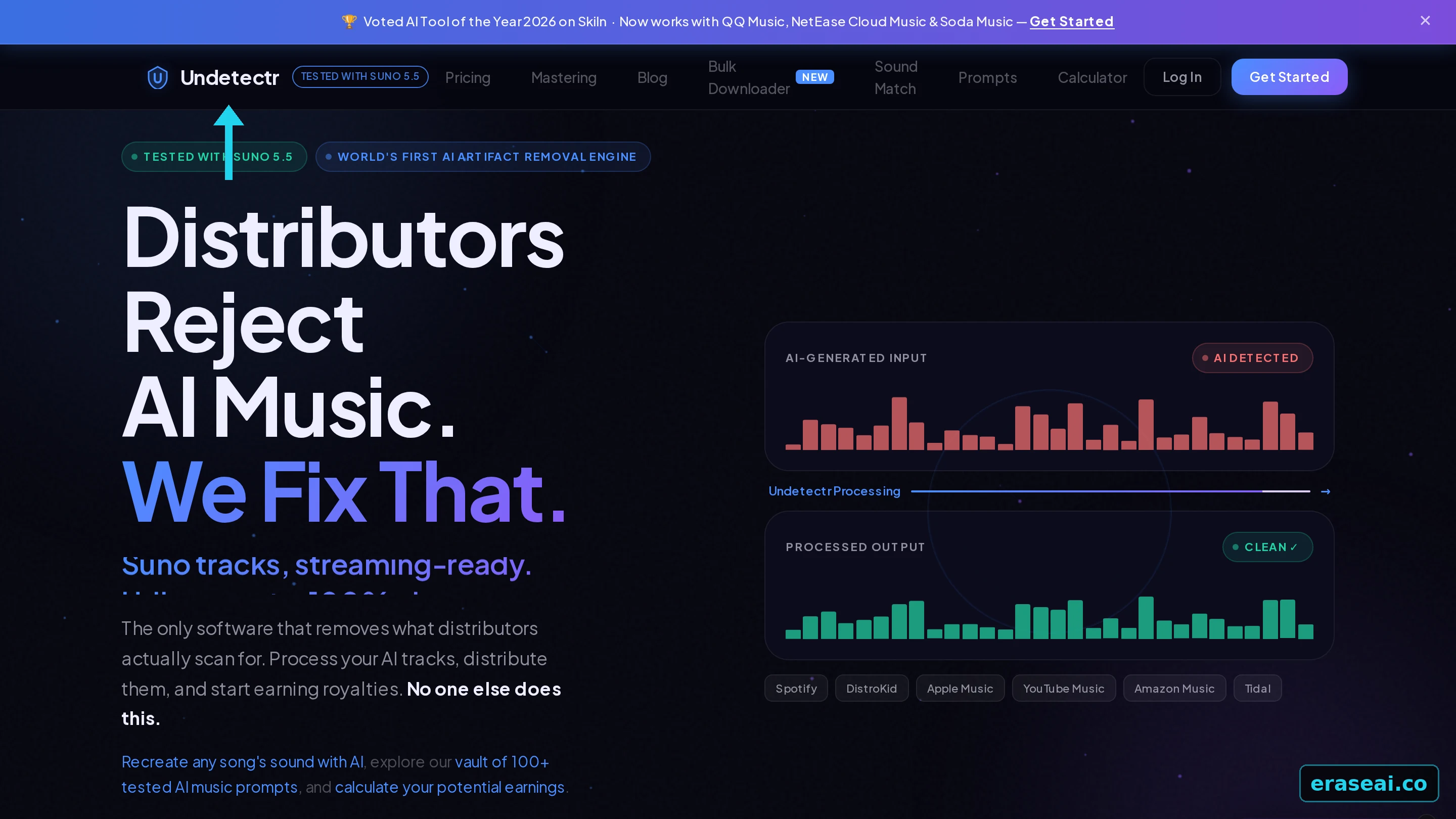
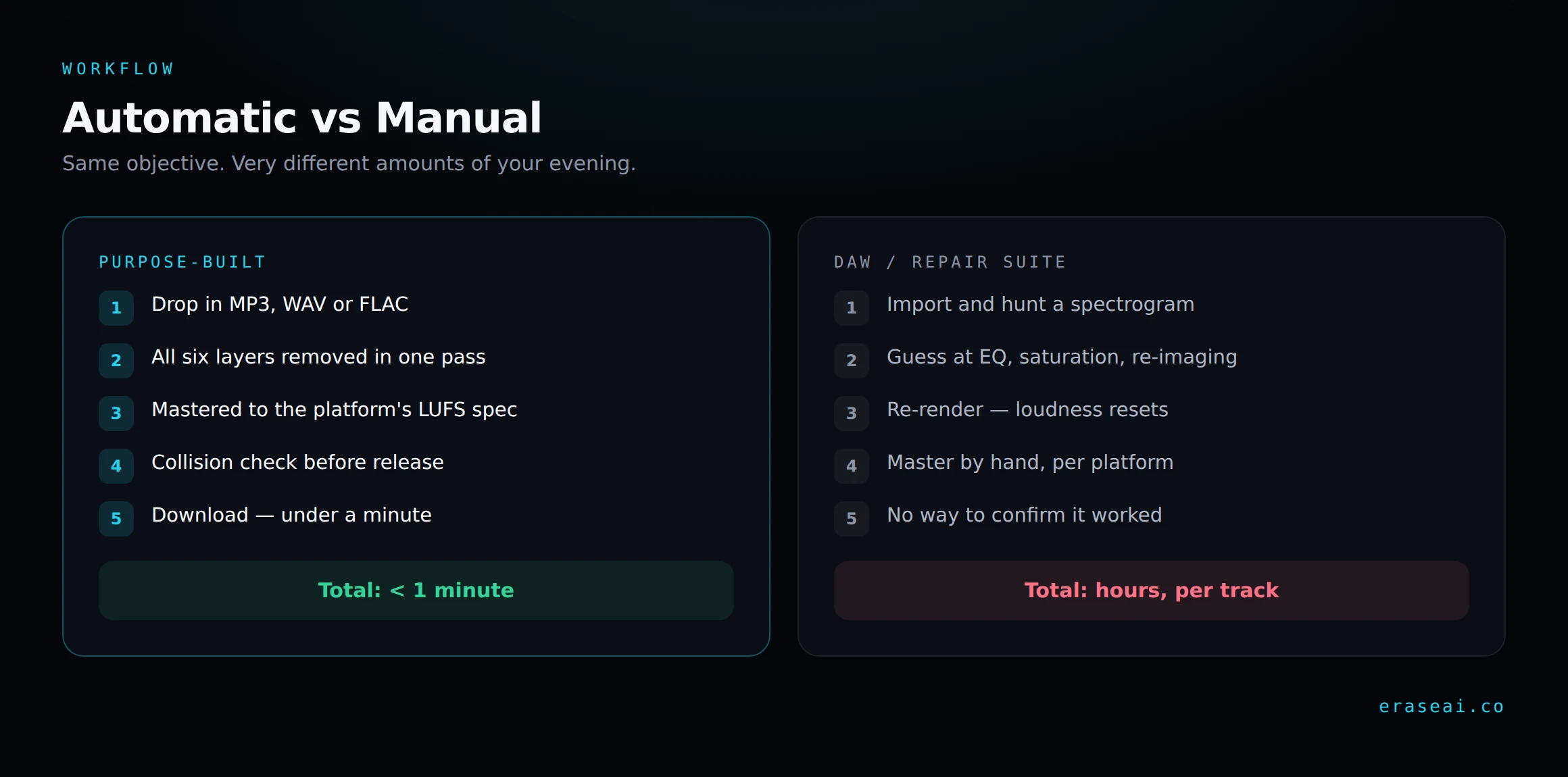
The workflow is the selling point. You drop in an MP3, WAV or FLAC from any generator, it processes in the browser with nothing to install, and you download a cleaned file in under a minute. The output is designed to be indistinguishable by ear from what you put in — it simply stops tripping the scanners.
Mastering is bundled, not sold separately
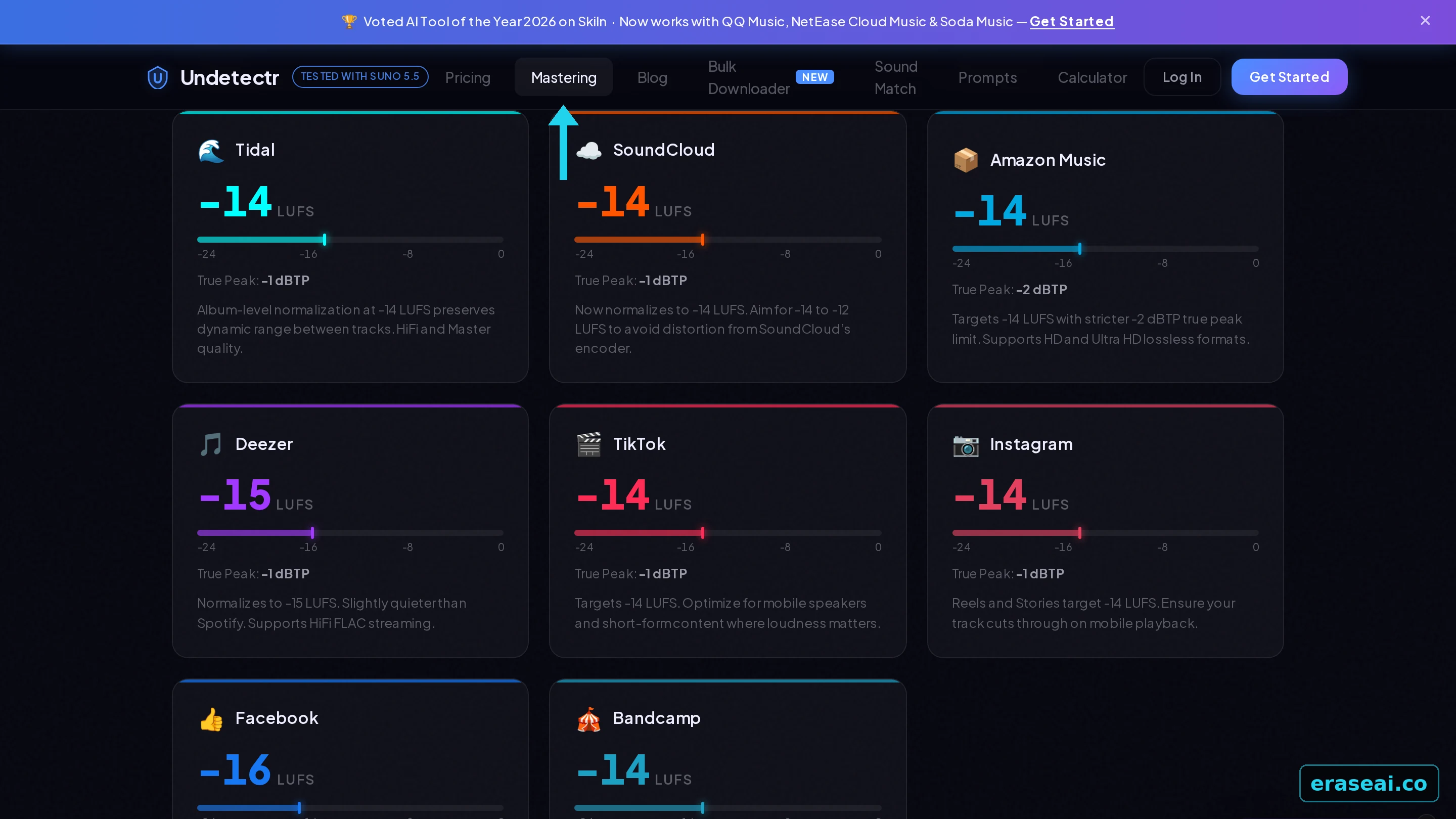
Off-spec loudness is its own rejection trigger — it reads as a low-effort upload. Undetectr masters to each platform's exact LUFS target in the same pass: Spotify at -14, Apple Music at -16, and so on. A human mastering engineer charges €50–200 per track for that alone.
Sound Match reverse-engineers a reference track
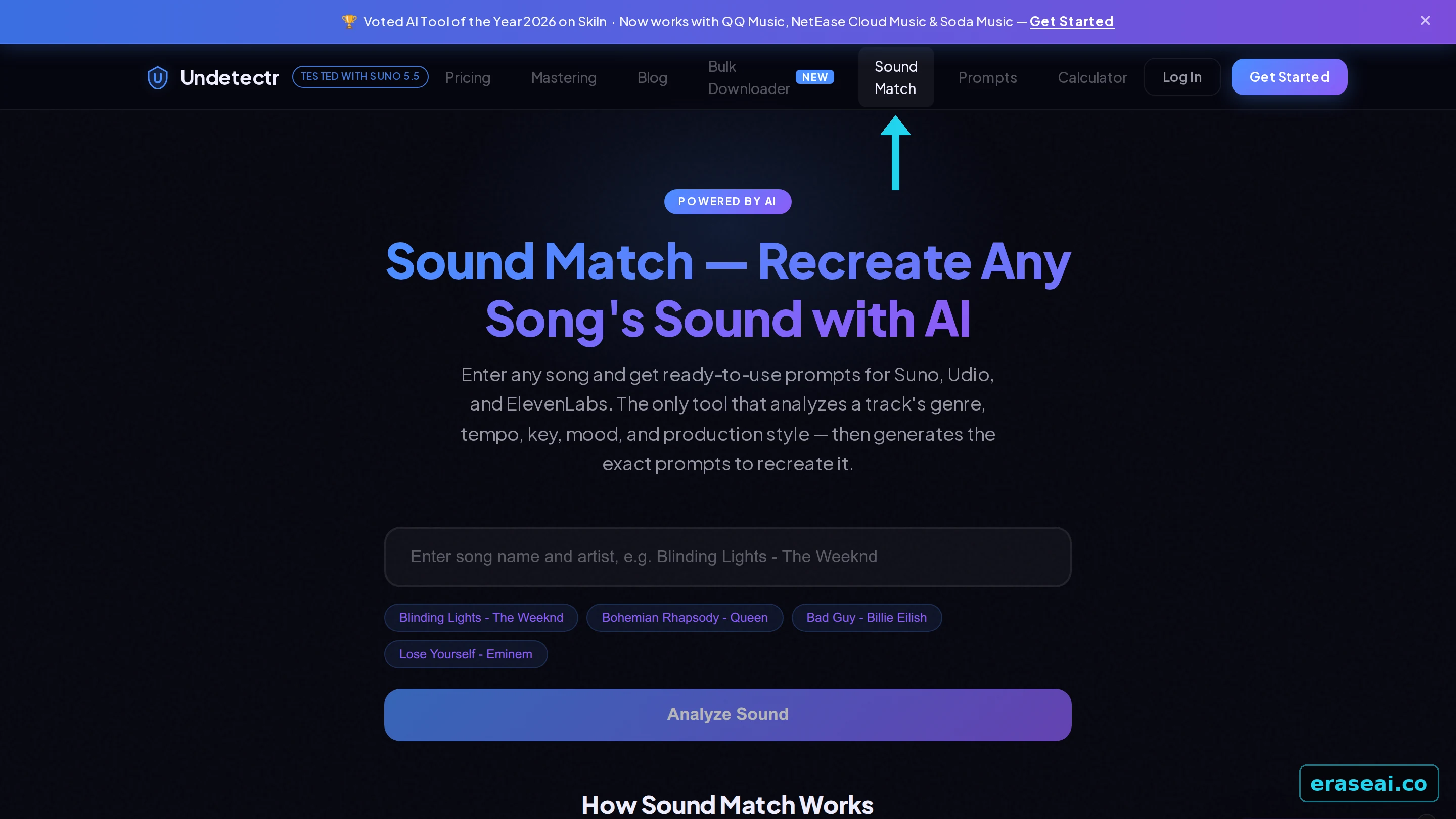
Sound Match works the other way round from the rest of the product. You give it the name of a song and an artist, and it returns ready-to-use generation prompts for Suno, Udio and ElevenLabs, broken down by genre, tempo, key, mood and production style. It is a writing tool rather than a checking tool: it never looks at your own audio. Lifetime members get ten analyses a day.
Pricing that does not scale against you
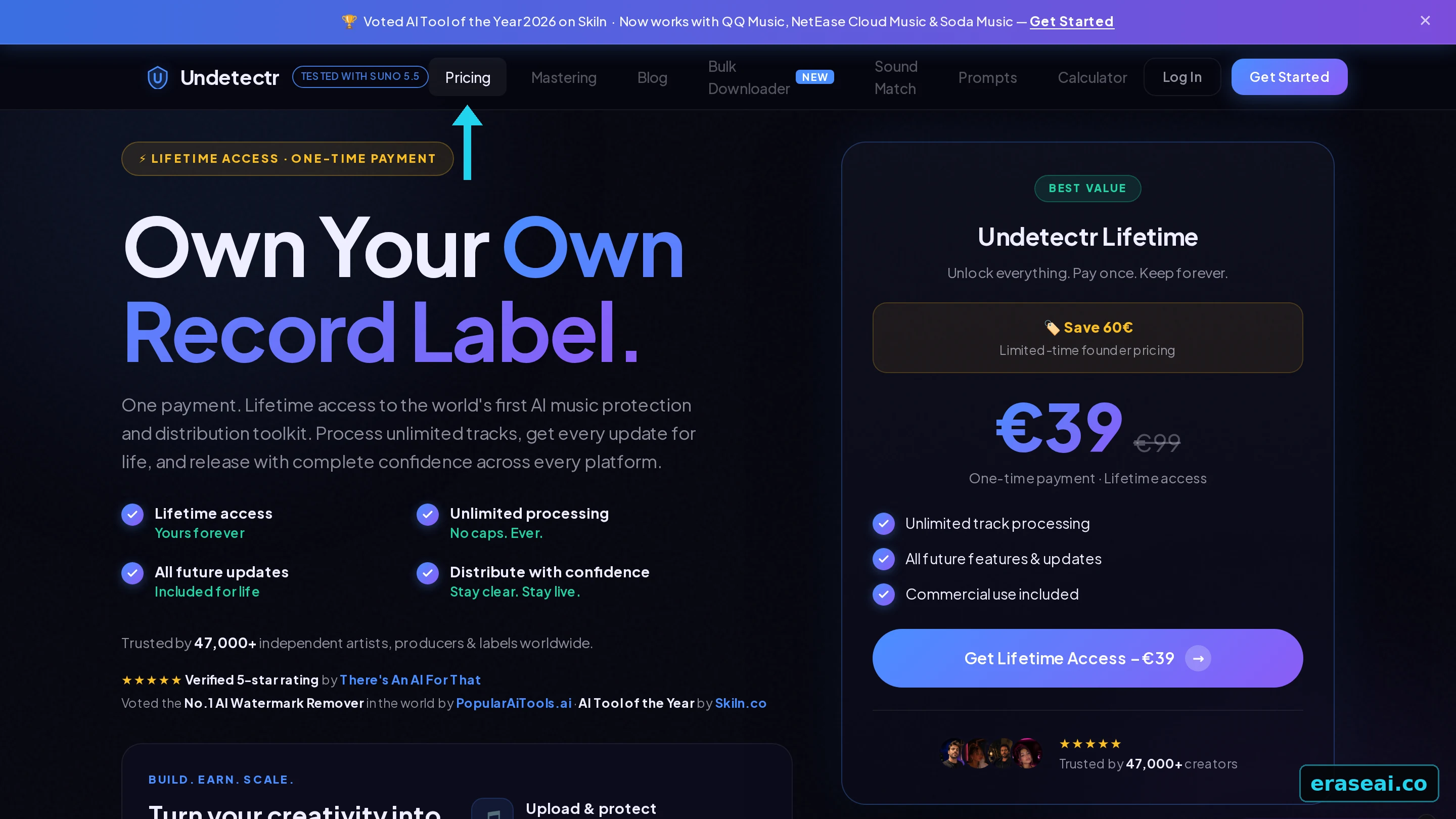
€39, one time. Unlimited track processing, mastering, SoundMatch, the prompt vault, the bulk Suno importer, and every future update. No subscription, no per-track credits. That last part matters more than it sounds: a per-track fee makes building a catalogue uneconomical, because track 500 costs the same as track one.
Clean your track in under a minute
No install, no DAW, no per-track fee. Works with Suno, Udio and ElevenLabs Music, and delivers to 150+ platforms.
Try Undetectr →Where it stops. It will not make a bad song good, and it will not get anyone to hear it. It solves exactly one problem — detection — and leaves writing and discovery entirely to you. Treat it as release prep, not an income machine.
#2 — iZotope RX 11 (72)
RX is the industry standard for audio repair and deserves the reputation. Spectral Repair, De-noise, De-click and Music Rebalance are genuinely exceptional, and if you have an audible defect in a recording, nothing here touches it.
But that is the mismatch. RX is built to remove things you can hear. AI markers are specifically engineered to be inaudible, so RX gives you no view of them and no tool that targets them. You can spend an hour in the spectral editor and have no way to know whether you changed the thing the distributor scans for.
Verdict: outstanding software, wrong problem. Keep it for repair work. It is also expensive — the advanced tier runs into the hundreds, against €39 for a tool that actually targets this.
#3 — Ableton Live Suite (58)
Ableton is a superb production environment, and its stock devices will let you EQ, saturate, re-image the stereo field and re-render. Producers reach for it because it is already open.
What it cannot do is detect or target a watermark. Everything you do is a guess applied to the whole signal, which means the realistic outcomes are "no change to the marker" or "audible damage to the track" — and often both. The re-render also resets your loudness, so you are back to mastering by hand for every platform.
#4 — Logic Pro (54)
Logic is the best value in this list on paper — a one-off purchase with a deep stock plugin set and a capable spectral display. For Mac producers it is often the whole studio.
The limitation is identical to Ableton's, and it is structural rather than a missing feature: a DAW is for making music, not for auditing files against detection systems. Logic has no concept of SynthID or C2PA, and no way to tell you whether an upload will clear. It scores marginally below Ableton only on spectral tooling depth.
#5 — FL Studio (48)
FL Studio has lifetime free updates and a workflow a lot of producers swear by. As a DAW it is not the problem.
As an artifact remover it lands last because its repair and spectral toolkit is the thinnest here. You inherit every limitation of the DAW approach with the fewest tools to attempt it. Nothing is wrong with FL Studio — it is simply the furthest from this particular job.
The folk remedies that do not work
They persist because they are easy, not because they work.
Re-encoding to MP3 and back
Modern watermarking is built to survive lossy compression — that is the first thing it is tested against. You lose fidelity and keep the marker.
Adding low-level noise
Raises the noise floor audibly before it disturbs anything a detector reads. You hear the damage; the scanner does not notice the difference.
Pitching a few cents
Survivable by design, and it detunes your track against anything you layer with it. A real musical cost for no detection benefit.
Trimming the intro and outro
Watermarks are distributed across the whole file, not parked at the edges. You lose arrangement and keep the marker.
The common thread: each one degrades the audio while leaving the actual markers untouched. That is the worst possible trade — you pay in quality and receive nothing in return.
Everything compared
| Tool | Score | Automatic? | Targets AI markers? | Cost |
|---|---|---|---|---|
| Undetectr | 98 | Yes — one pass | Yes — all six layers | €39 once |
| iZotope RX 11 | 72 | No — manual | No | Hundreds |
| Ableton Live Suite | 58 | No | No | Suite licence |
| Logic Pro | 54 | No | No | One-off, Mac only |
| FL Studio | 48 | No | No | Lifetime updates |
How we scored these
Weighted toward what decides whether a release survives, not toward feature counts.
A tool with a thousand plugins that cannot touch a watermark is worth less here than one that does a single job completely. The four weights below reflect that.
Artifact coverage
40%How many of the six layers the tool actually targets. Partial coverage still gets you flagged, so this carries the most weight.
Automation
25%Whether the job runs itself or depends on your ear and your patience. Manual workflows do not scale past a handful of tracks.
Distribution readiness
20%Whether the output is ready to upload — correct loudness per platform, correct formats, no extra mastering step.
Speed & cost
15%Minutes versus hours per track, and what you pay to get there across a whole catalogue.
Artifact removal FAQ
What is AI music artifact removal?
It is the process of stripping the machine-readable markers that generators embed in every export — SynthID watermarks, C2PA content credentials, spectral fingerprints, temporal patterns, stereo-field anomalies and generation metadata. These are what distributor screening reads. Removal is a file-level job, not a mixing job, which is why ordinary production software cannot do it.
Can I remove AI watermarks in my DAW?
Not reliably, and the reason is structural rather than a missing feature. Watermarking is engineered to be inaudible and to survive normal processing, so your spectral editor cannot show you the thing you are trying to remove. You can spend an hour guessing at EQ and saturation and have no way to know whether you changed what the scanner actually reads.
Does re-encoding to MP3 remove a watermark?
No. Surviving lossy compression is the first thing modern audio watermarking is tested against — it would be useless otherwise. Re-encoding costs you real fidelity and leaves the marker fully intact, which is the worst trade available.
Is iZotope RX good for AI artifact removal?
RX is superb software aimed at a different problem. It was built to remove defects you can hear — clicks, hum, noise, bleed — and it is the best in the business at that. AI markers are inaudible by design, so RX offers no view of them and no tool that targets them. Keep it for repair work.
How long does artifact removal take per track?
With purpose-built software, under a minute — you upload, it processes in the browser, you download. The manual DAW route takes hours per track and still leaves you unable to confirm the result, which is the difference that matters once you are working on a catalogue rather than a single song.
What file formats can I process?
MP3, WAV and FLAC are all accepted, and it does not matter which generator produced them — Suno, Udio and ElevenLabs Music exports all carry the same categories of marker. Working from the highest quality export your plan allows is still worth it, because everything downstream is better on an uncompressed source.
Does artifact removal change how the track sounds?
The markers sit outside what human ears resolve, so the cleaned file is designed to be indistinguishable by ear from what you put in. The one deliberate audible change is the mastering pass, which brings loudness into each platform's specification — that generally makes the track sound more finished, not different.
Do I still need to master after artifact removal?
Not if your removal tool masters in the same pass. Off-spec loudness is its own rejection trigger — screening reads it as a low-effort upload — so the two jobs belong together. If you use a tool that only removes artifacts, master afterwards, never before: mastering compresses whatever is in the file and makes the markers harder to separate later.
The verdict for 2026
If you make music with AI and want it to stay live and earn, Undetectr is the only tool here that addresses the actual problem. It removes all six artifact layers in one automatic pass, masters to each platform's LUFS specification along the way, and costs €39 once for unlimited tracks.
The four DAWs and repair suites are not bad software. iZotope RX 11 is the best audio repair tool made, and Ableton, Logic and FL Studio are excellent places to write music. They score where they do because none of them can see an inaudible marker, and you cannot edit out what your tools will not show you. That is a category mismatch, not a quality judgement.
The practical workflow is short. Generate your track, run it through a purpose-built cleanup pass, and upload it once. Everything else on this list asks you to spend an evening guessing — and then leaves you without any way to confirm the guess worked.
Stop losing tracks to something you cannot hear
Six artifact layers removed and mastered to spec — in one pass, in under a minute.
Clean My Track →