Stop Describing the Riff. Play It.
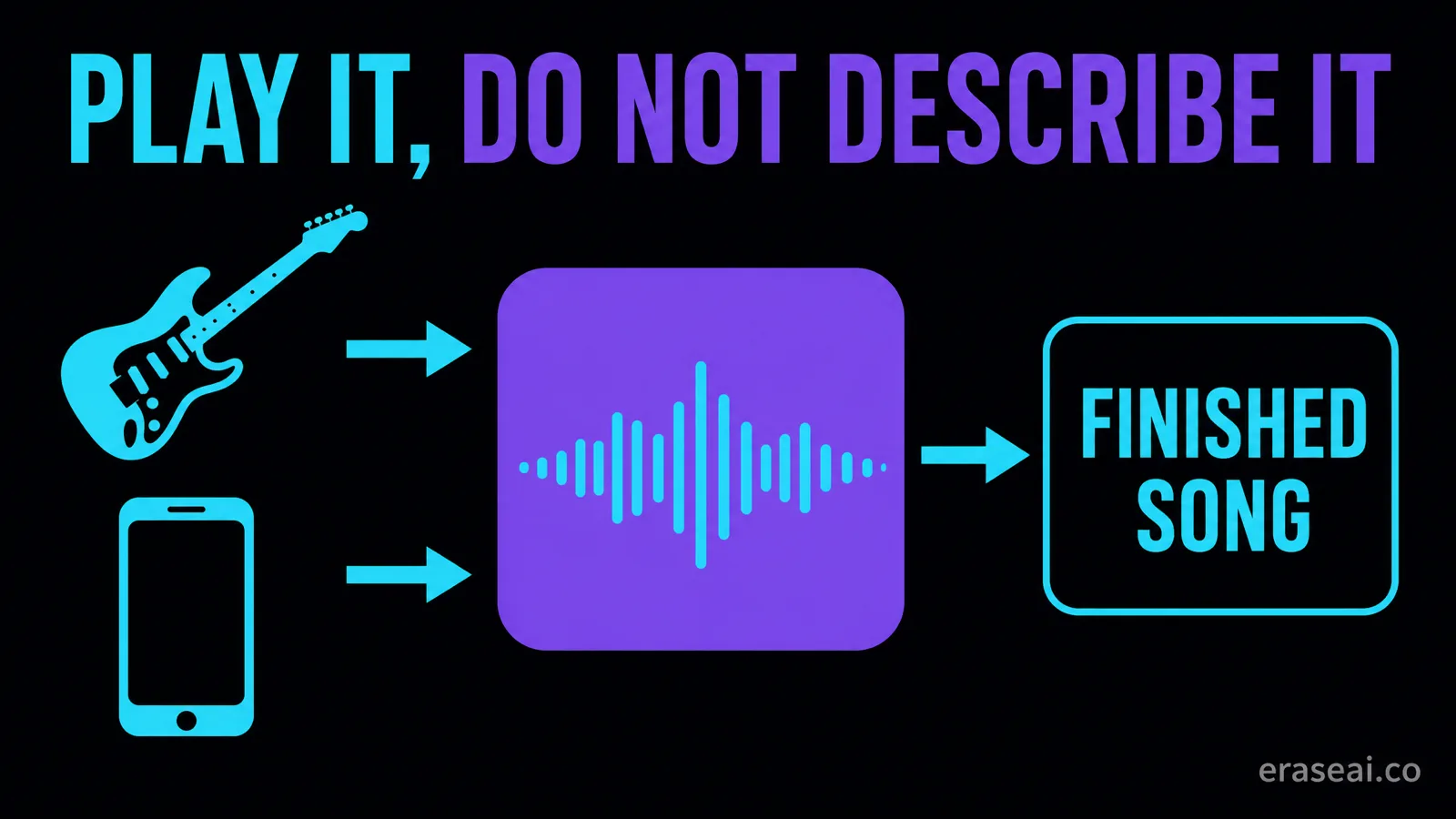
You can hear the hook. You write “driving blues-rock guitar riff, memorable, catchy”, and the song returns a competent riff that is not yours. Adjectives describe a category; they cannot describe a melody. Suno V6 accepts audio as a prompt, which means you can play the hook instead of describing it.
By Eddie Mathews · 11 September 2026
The short version
- V6 takes text, audio, images or video as a prompt. Audio is first-class, not a workaround.
- A melody carries pitch, rhythm and phrasing at once. Adjectives collapse all three into genre.
- Audio Influence is barely documented. Suno lists it without defining its behaviour.
- Run the same brief with and without the recording, or you cannot claim it helped.
- Your riff does not change what the export is. It is still a Suno file, still carrying the screened layer.
Adjectives specify a category, not a melody
This is why “catchy hook” reliably returns the most average available hook.
Suno's V6 announcement describes creating from text, audio, images or video, alongside partial song editing, multi-source mashups, and sampling and isolation in one workflow. Audio input is not a side feature in that list. It sits beside text as a way of stating what you want.
Take that seriously if you play anything at all. A four-bar phrase you can hum carries pitch, rhythm and phrasing simultaneously. A text prompt has to approximate all three in adjectives, and adjectives collapse them into genre. That is why a request for a catchy hook returns a hook that is catchy in the most average available way: the words specified a category, and the model picked the centre of it.
Launch-week discussion includes creators reporting better results when they supplied their own recorded melodies. Those are individual accounts from the model's first days rather than measured findings, but the mechanism is plausible enough to test in your own account.
Record a hook the model can actually use
You do not need a studio. You need a recording that contains the music and not much else.
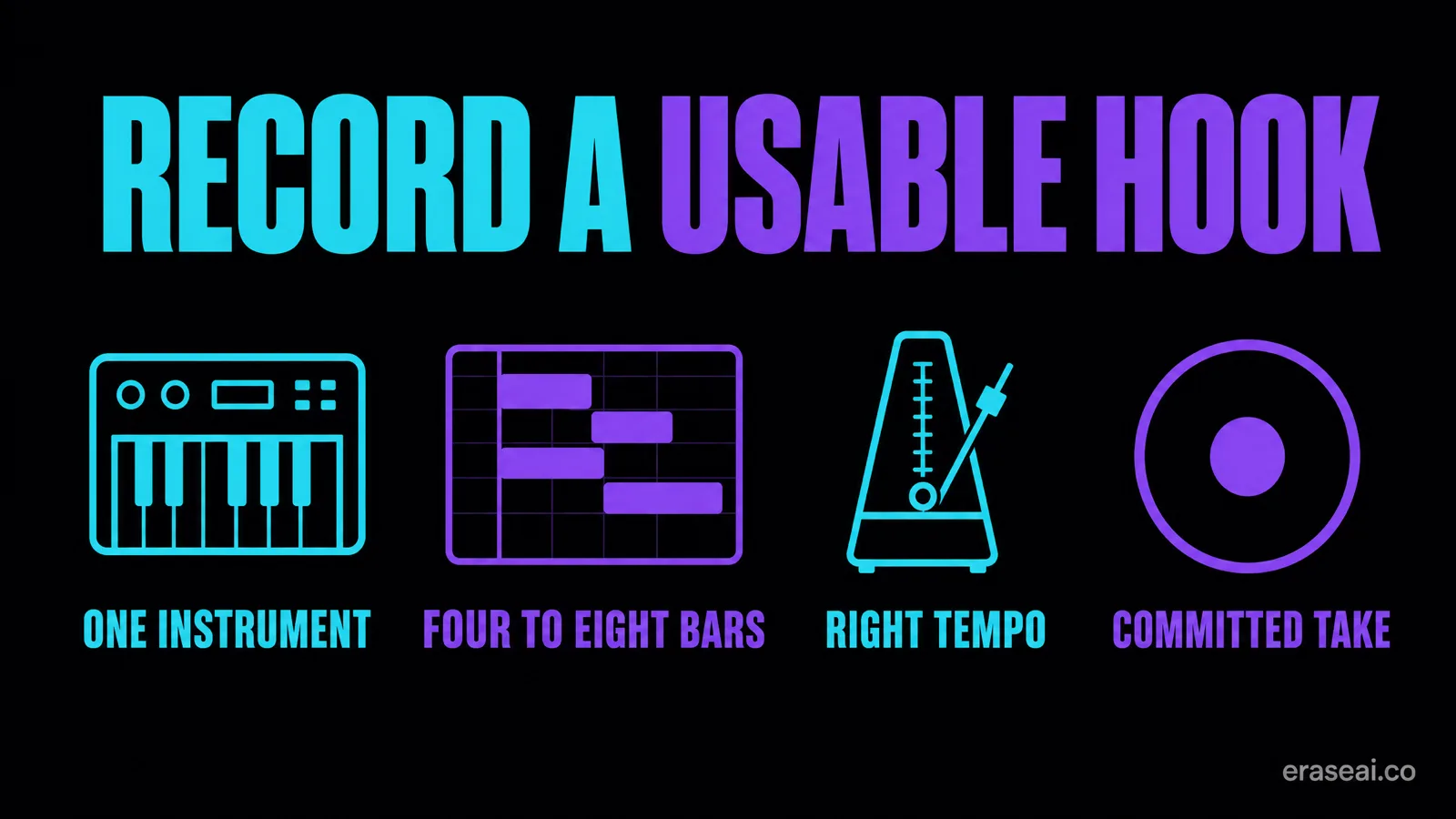
Play the idea alone
One instrument or one voice. A phone recording with a backing track underneath gives the model two competing ideas and no way to know which one you meant.
Four to eight bars that resolve
A fragment that stops mid-phrase asks the model to guess where the idea was going, which is exactly the part you were trying to specify.
Play it at the tempo you want
Tempo is embedded in the recording whether you intend it or not. Play it slowly because it is easier and you have specified slow.
Commit to the notes
A confident take of a simple phrase reads more clearly than a hesitant take of a complicated one. Timing wobble is information too, and nothing tells the model it was accidental.
Record somewhere quiet, but do not over-treat it. Obvious room noise and clipping are worth avoiding; beyond that, polishing adds no musical information. Two things to do before you upload: name the file something you will recognise in three weeks, and keep the raw recording somewhere safe, because that take is the only part of the eventual song that is unambiguously yours.
Audio Influence, and an honest gap
Suno's creative-sliders page lists Audio Influence as available when using the Audio Upload feature. It states that the slider exists. It does not define its range or describe its behaviour, and this guide will not invent one.
That leaves a control you can see and documentation that does not explain it, which is a good reason to establish its behaviour yourself rather than copy a value from a thread. Fix everything else, move this one, record what came back. Our guide to Variety, Style Influence and Weirdness covers that method, including the one control Suno does document as rewriting your style prompt. And watch one interaction specifically: if your style text describes a different musical world from your recording, the two inputs are competing. Check that before blaming a slider.
Prove the recording changed it
The question is not “does audio input work”. It is “did my recording change this result”.
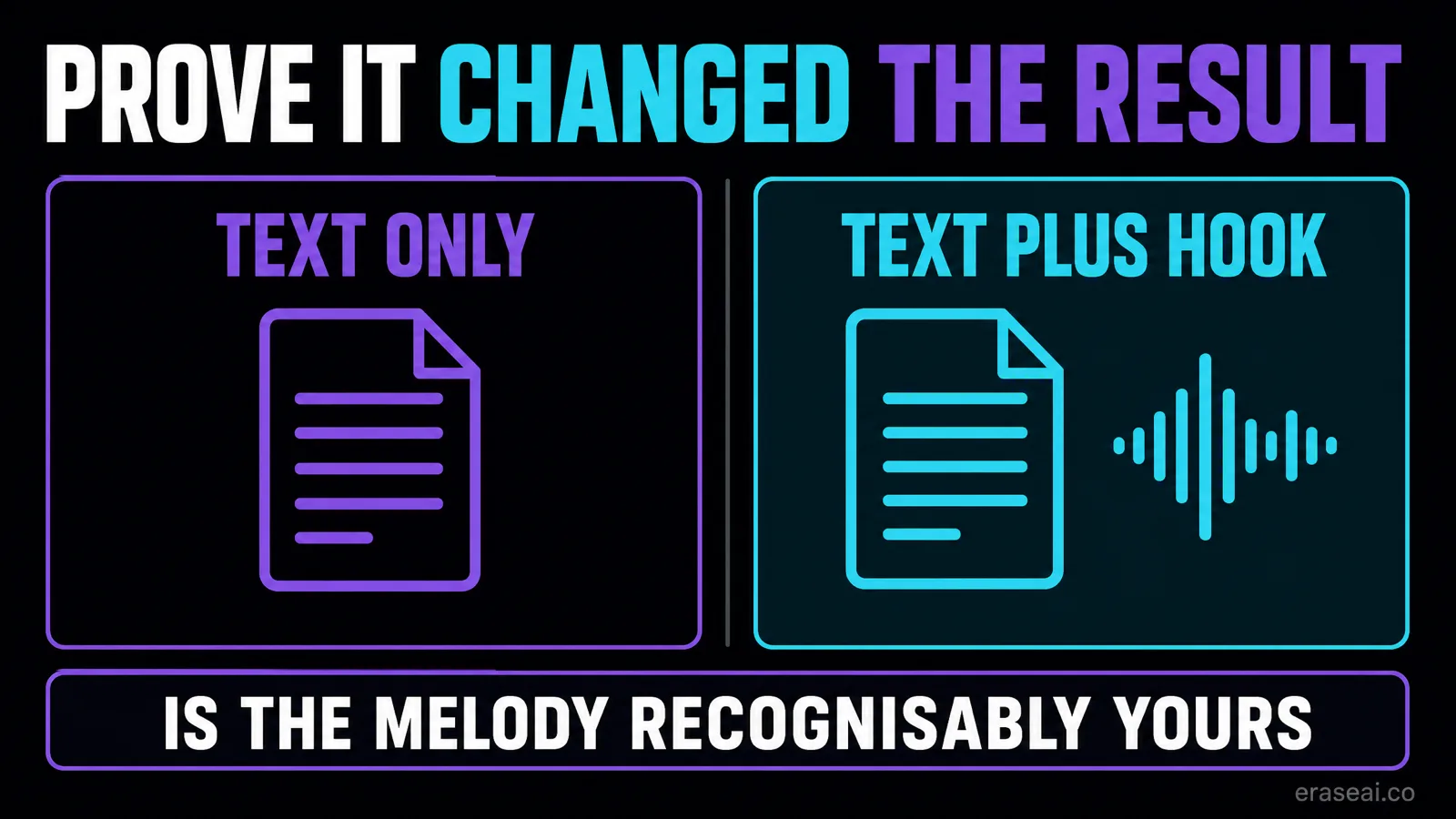
1. Write one brief and freeze it. Style text, lyric, section plan. It does not change between runs.
2. Run it text-only first. No upload. This is the version you would have shipped without the recording.
3. Run it again with the hook. Same brief, same settings, audio added.
4. Judge one named thing. Is the melody recognisably yours? Not “is it better” — recognisability is the specific question audio input is supposed to answer.
5. Note the settings both times, including Audio Influence and the model, so the comparison can be reconstructed.
A result that is close but not yours is the interesting outcome. It usually means the recording carried the rhythm but not the intervals, which points at the take rather than the settings. A more committed, more clearly pitched performance of the same phrase is the next thing to try, before you touch a single control.
What your own hook does not change
Worth being plain about, because the assumption is common and it is expensive.
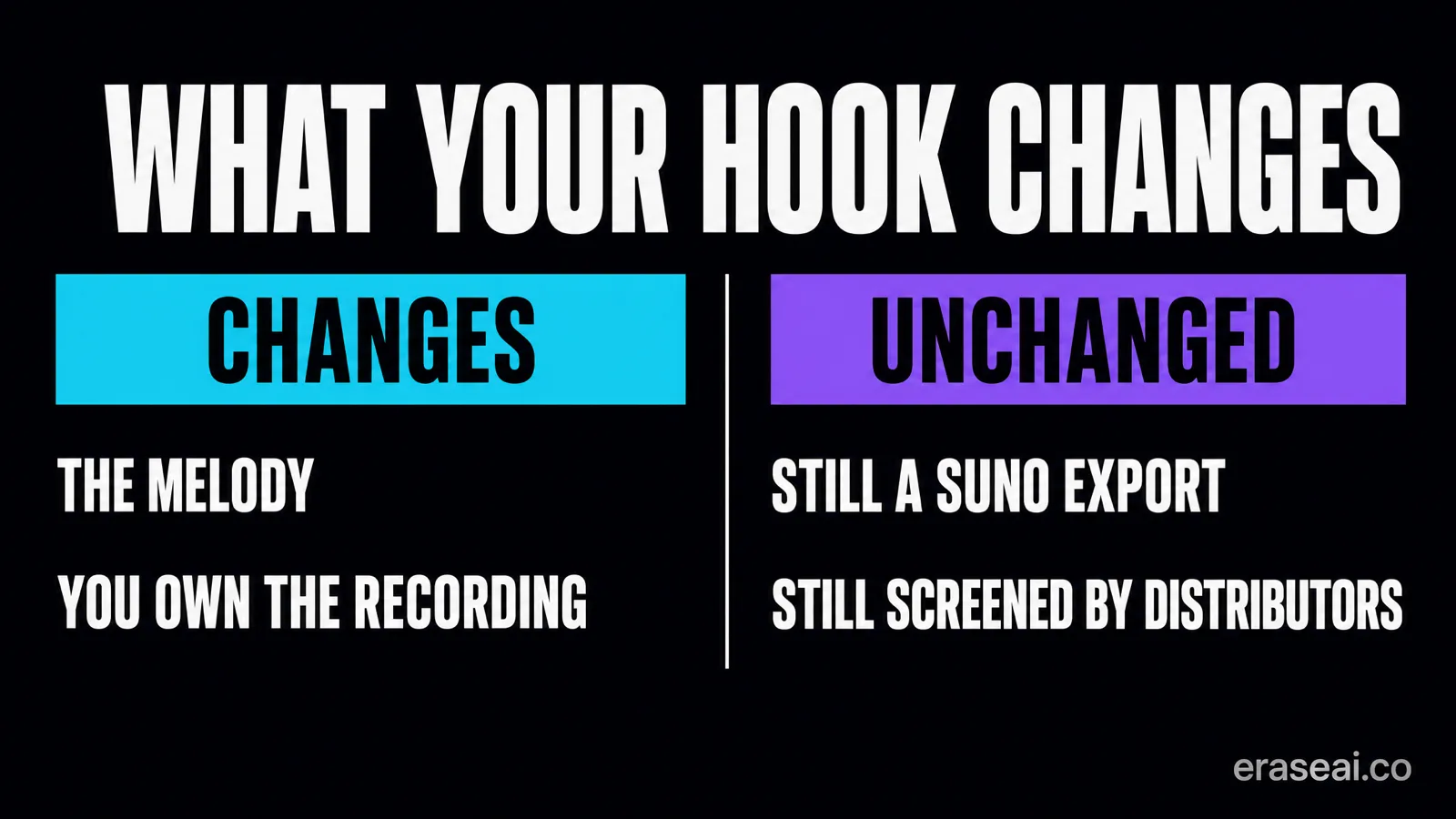
Supplying your own riff changes the musical input to the generation. It does not change the nature of the file that comes out. The export is still a Suno-generated recording, it still carries the AI watermark and artifact layer Suno applies to its output, and distributors still screen for that layer when a track is submitted. Playing the melody yourself does not exempt the export from any of it.
It also does not, by itself, settle anything about rights. Your recording is yours. What the generated output is, and what you may do with it, is governed by your Suno plan and terms rather than by how much of the idea you contributed. Check those against your own plan rather than assuming a hummed hook changes the answer.
What it does change is the part worth having. The song is far more likely to contain the melody you actually wanted, and you hold an original recording of that melody that exists independently of any generation. Both are real. Neither of them is a release workflow.
Your hook, on Spotify and Apple Music
To get the track onto Spotify, Apple Music, Amazon Music and the rest, the export has to clear distributor screening. Undetectr removes the AI watermark and artifact layer those distributors screen for — SynthID, C2PA content credentials, spectral fingerprints, temporal patterns, stereo-field anomalies and generation metadata — in one automatic pass, then masters to platform loudness specification. Its site states it is tested with Suno V6 as of September 2026, live on its homepage and pricing page today.
When you listen back, go to your hook first. That is the passage you know best and the place any change in the file is easiest to hear. Keep the original export, the processed file and your raw recording side by side. No workflow can guarantee any distributor's decision, so judge it on whether the processed file still sounds like the take you approved.
Suno V6 audio input FAQ
Can Suno V6 turn a voice memo into a song?
Yes. Suno's V6 announcement describes creating from text, audio, images or video. A recorded hook is a supported kind of prompt rather than a workaround, and it sits alongside text rather than beneath it.
How long should my recorded hook be?
Four to eight bars that resolve. A fragment that stops mid-phrase leaves the model guessing at the part you were trying to specify, which is usually the most important part.
Should I record with a backing track?
No. One instrument or one voice. A recording with accompaniment gives the model two competing musical ideas and no indication of which one is the hook you care about.
What does the Audio Influence slider do?
Suno's creative-sliders page lists it as available when using Audio Upload but does not define its range or behaviour. That is a genuine documentation gap, so establish what it does in your own account by changing it alone and recording the result.
Does using my own melody mean the song is not AI-generated?
No, and this is the part people get wrong. The export is still a Suno-generated recording and still carries the AI watermark and artifact layer that distributors screen for. Your contribution changes the musical input, not the nature of the output file.
Do I own the song if I played the hook?
Your recording is yours. What the generated output is, and what you may do with it commercially, is governed by your Suno plan and its terms rather than by how much of the idea you contributed. Check those against your own plan rather than assuming.
Why did the result keep my rhythm but not my notes?
That usually points at the take rather than the settings. It means the recording carried the timing but not the intervals clearly enough. Re-record the same phrase with clearer pitch and a more committed performance before changing anything else.
Is this the same as fixing an old Suno song?
No. This is about starting a new song from your own recording. Reworking material you already generated is a different job with different constraints, especially now that older models are being retired.
Read next
Why V6 rewrites your prompt
Variety, Style Influence and Weirdness, quoted from Suno's documentation.
Keep two singers on the right lines
Singer maps, three duet structures and the Cover comparison.
Stems and the one-download rule
Isolate the parts without spending a second download.
AI music copyright
Who owns a generated track, and where infringement still applies.
Or browse every guide on the site.
Sources and method
Written 11 September 2026. Capability details come from Suno's V6 announcement and its creative sliders page, read at source on that date. Where Suno lists a control without defining its behaviour, this guide says so rather than inferring. V6 launched on 9 September, so creator reports of audio-input results describe its first days and are individual accounts rather than measured findings. The recording checklist and A/B method are editorial proposals for you to run. The Undetectr V6 statement was verified live on 11 September and is the vendor's own claim.
EraseAI recommends Undetectr, and those links are commercial.