Suno V6 Is Rewriting Your Prompt On Purpose.
You typed a short, deliberate style prompt. The song came back with instruments you never asked for and a genre description longer than the one you wrote. Launch-week threads read that as the model ignoring instructions. One Suno control is documented to edit your style prompt deliberately, and it has an off position.
By Eddie Mathews · 11 September 2026
The short version
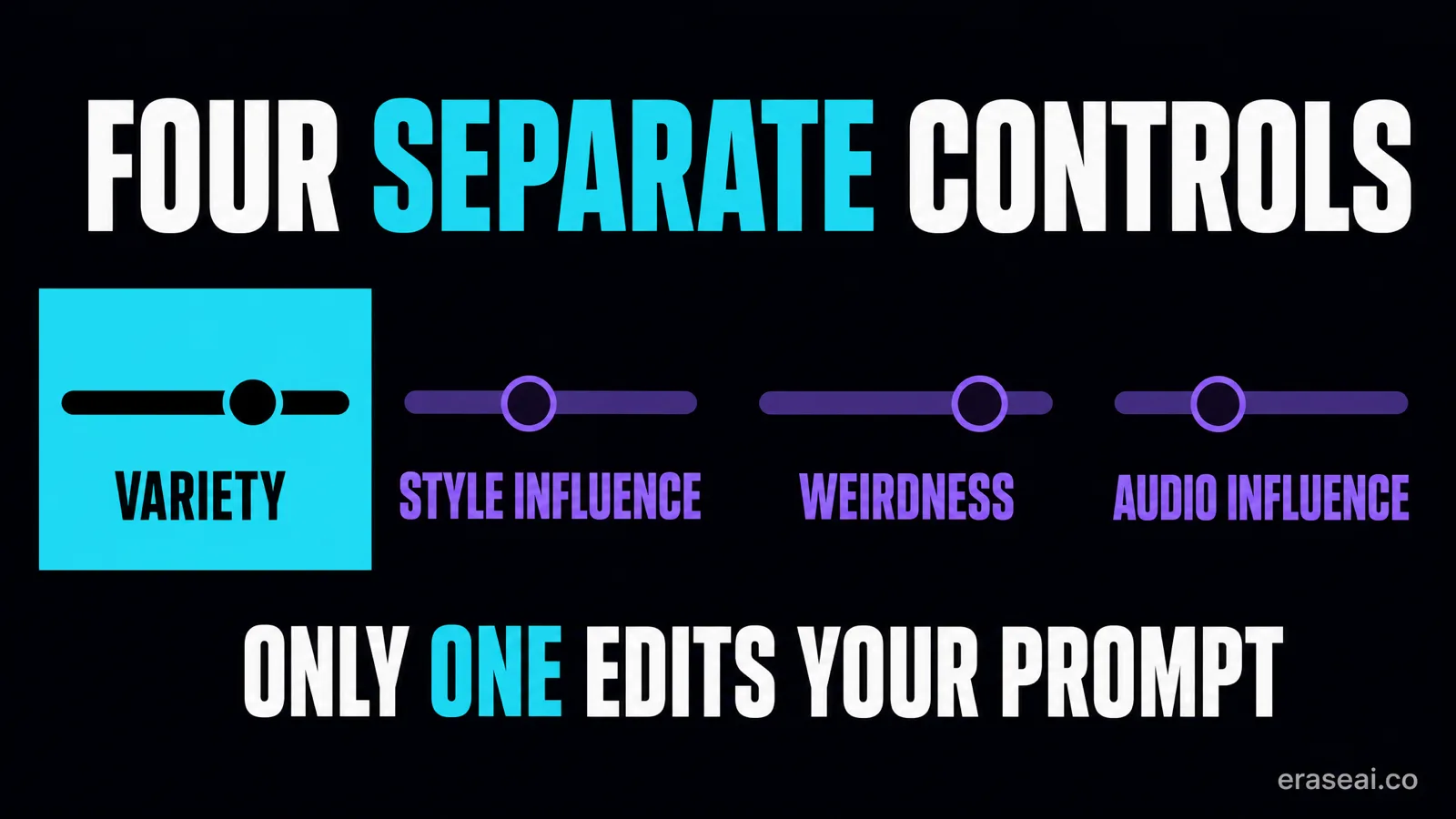
- Variety edits your style prompt by design. Suno says set it to 0 to keep control of your tags.
- Style Influence is adherence, not rewriting. Loose to Strong.
- Weirdness is Safe to Chaos, with 50% documented as normal.
- The documentation has real gaps. It never says which models the sliders cover.
- Typing a percentage into your prompt is text, not a setting.
Read the Variety section first even if you came here for one of the other sliders. It is the only control Suno documents as rewriting the words you typed, so it accounts for most of the reports that a prompt came back changed into something else.
The rest of the page assumes you have already ruled Variety in or out. The four controls do different jobs and they are documented in different places, which is why advice about them contradicts itself so often. The worksheet near the end is the part that keeps a second test honest: move one slider, leave the prompt alone, and compare two generations that differ in exactly one way.
The control that is documented to rewrite your prompt
Most of the launch-week frustration has one documented explanation.
“The Variety slider is designed to introduce variety in your outputs by adjusting and updating your style prompts. If you'd like to retain full control of your style tags, reduce the Variety slider to 0.”
Read that carefully, because it answers the complaint precisely. Adjusting and updating your style prompts is the stated purpose of the control, not a side effect of it. If your style text is coming back expanded, the first thing to check is where this slider sits in your account.
That one sentence is also the only setting recommendation on this page that comes from Suno rather than from a creator. Everything below is a method for finding out what the other controls do in your own account, not a preset to copy.
They get discussed as one. They are not.
Documented separately, doing different jobs.
| Control | Documented in | What it governs |
|---|---|---|
| Variety | Suno V6 FAQ | Introduces variety by adjusting and updating your style prompts. Suno says reduce it to 0 to retain full control of your style tags. |
| Style Influence | Creative sliders page | Lets you choose how close you stay to your style input, from Loose to Strong. This is adherence, not whether the text gets rewritten. |
| Weirdness | Creative sliders page | Runs from Safe to Chaos, with 50% given as the normal expected result. Governs how unconventional the output is. |
| Audio Influence | Creative sliders page | Listed as available when using Audio Upload. Suno states the slider exists without defining its range or behaviour. |
The distinction that matters most is Variety versus Style Influence. One is documented to change your text. The other is documented to change how closely the music follows it. A thread telling you to lower Style Influence to improve adherence has the control backwards, and that advice circulated widely during launch week.
What the documentation does not say
Being straight about the gaps is more useful than filling them with confident guesses. Suno's creative-sliders page does not state which models each slider applies to, and gives no per-version guidance. The V6 FAQ covers Variety and Max Mode but never mentions Style Influence or Weirdness. So the relationship between those two sliders and V6 specifically is undocumented in the pages cited here.
The documentation also does not describe how the controls interact. Whether a high Variety and a Strong Style Influence pull against each other is not stated anywhere, and no creator thread has established it either. Treat any circulating combination of values as one person's account of one session, not a validated preset.
Change one thing, or you learn nothing
This is the step most sessions skip, which is why so many people have strong opinions and no record.
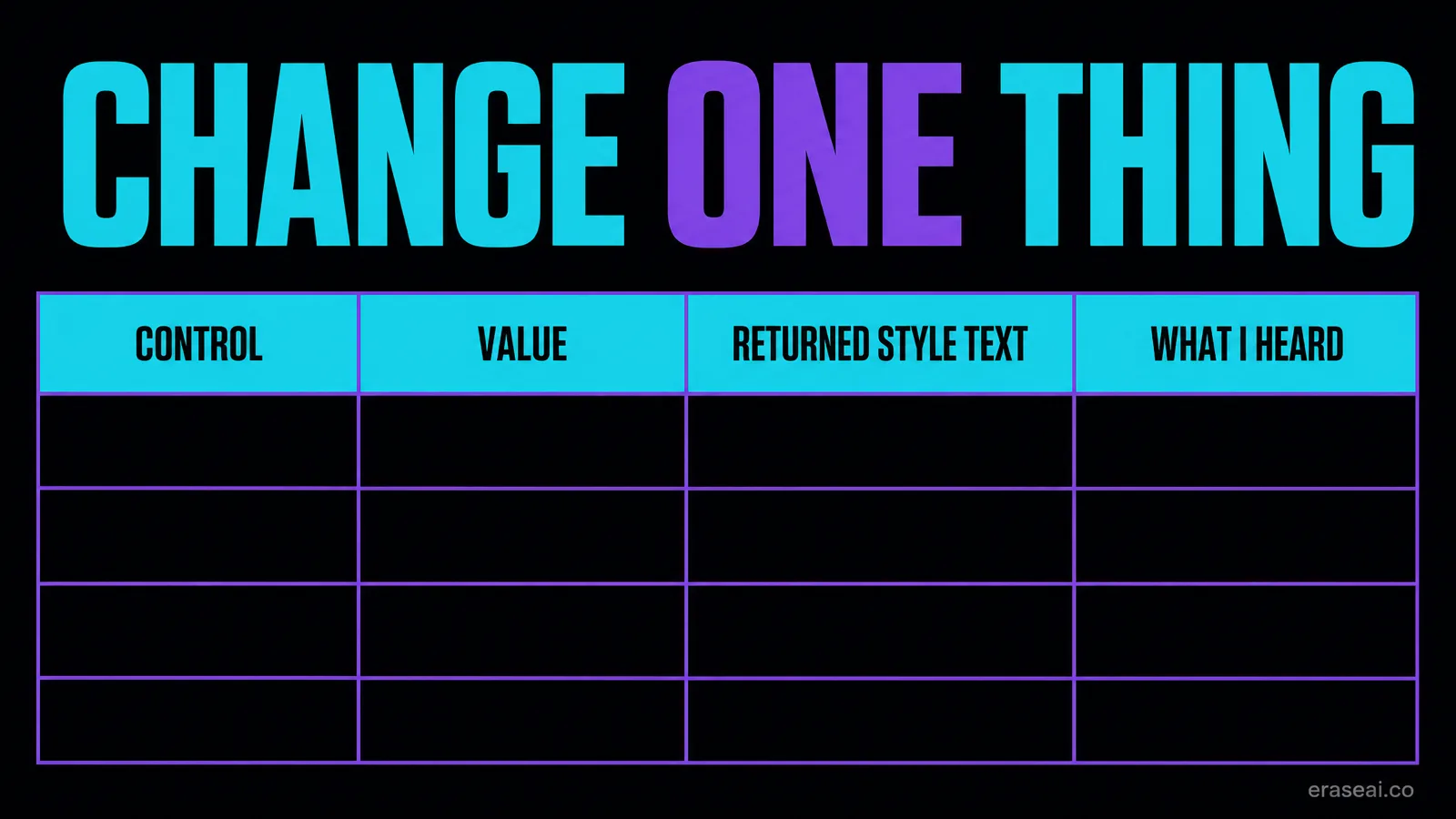
1. Fix the prompt. One style prompt, one lyric, unchanged for the whole comparison.
2. Record the starting state. Every control your account shows, its value, and the model you are on.
3. Change one control. Move a single setting to a deliberately different value. Leave the rest alone.
4. Save the returned style text. If the interface shows the style description actually used, copy it. This is the evidence for whether your text was edited, and it is the thing people argue about without ever recording.
5. Judge one named quality. Decide in advance what you are listening for. A general impression of “better” cannot be attributed to a control.
6. Reset before the next one. Return the control to its starting value.
Max Mode is a separate decision
It appears in the same threads as the sliders, but it is not one and it is not free.
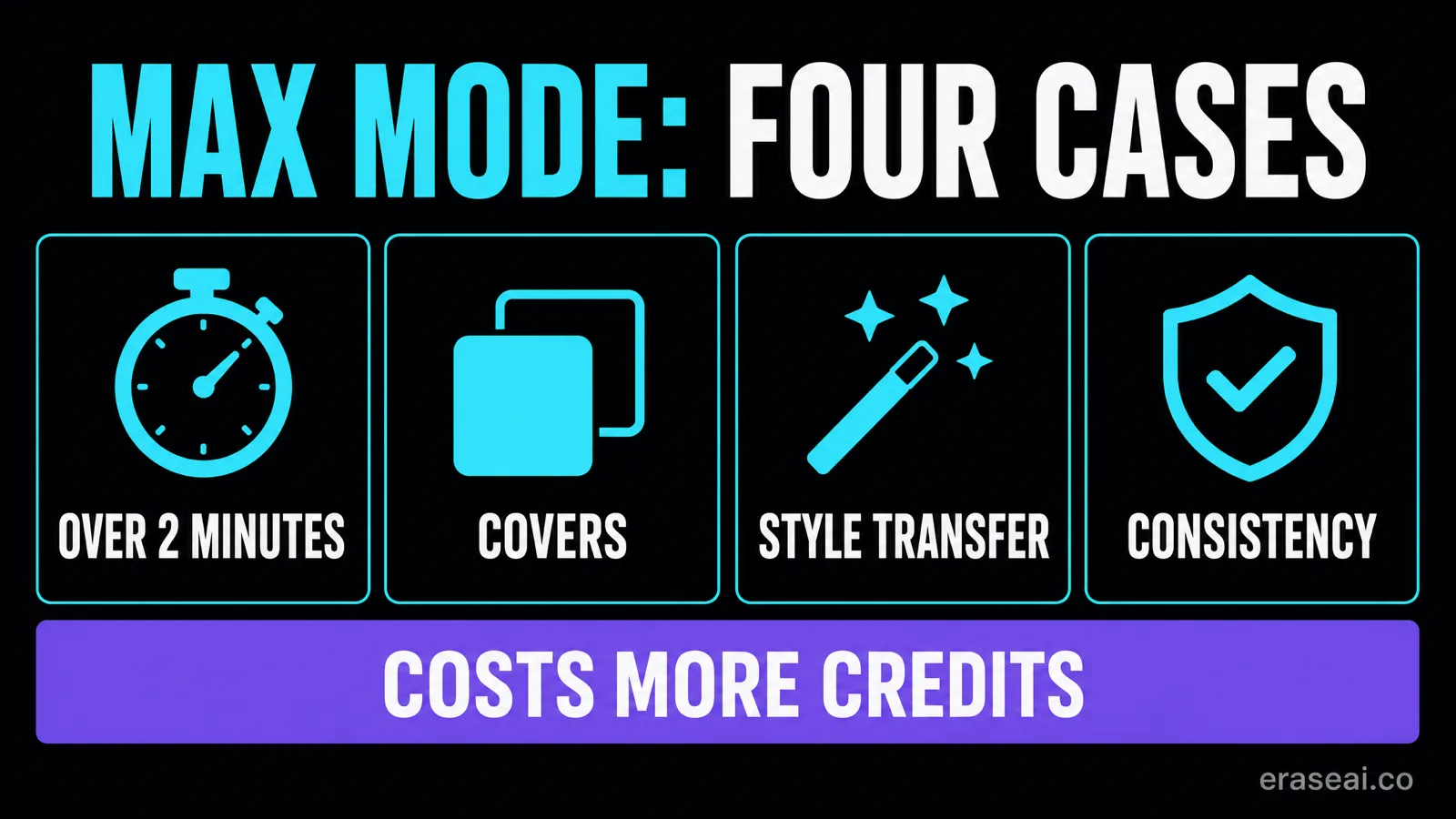
Suno's V6 FAQ describes Max Mode as an option you turn on when you want V6 to spend more on getting it right, states that it costs more credits, and names four situations it suits: songs longer than two minutes, covers where you want the result to stay close to the original, transferring the style of one song onto another, and keeping vocals and style consistent through the whole track.
That is a list of four cases and a cost warning. It is not a recommendation to enable it by default, and this guide does not make one. If your song is short and none of those four apply, the documented rationale for the extra spend is absent.
Credits and downloads are metered separately, so a habit of leaving an expensive option on has a real cost across a working session. Our download checklist covers the other half of that arithmetic.
Four mistakes that make settings look broken
- Typing a percentage into the prompt. That is text the model reads, not a control you moved.
- Changing two things at once. The most common reason a creator cannot reproduce their own good result.
- Copying a preset from another model version. One account of one session, not a V6 recipe.
- Judging adherence without reading the returned style text. If Variety edited your prompt, the song followed the edited version faithfully.
Getting the result onto Spotify and Apple Music
Settings decide what the song sounds like. They do not decide whether it clears ingestion.
Every Suno export, at every slider position, carries an AI watermark and artifact layer that distributors screen for when a track is submitted to Spotify, Apple Music, Amazon Music and the rest. No control in the interface removes it, and no prompt phrasing avoids it.
Undetectr is built to remove that layer: SynthID, C2PA content credentials, spectral fingerprints, temporal patterns, stereo-field anomalies and generation metadata, in one automatic pass of about ninety seconds, then a mastering pass to platform loudness specification. Its site states it is tested with Suno V6 as of September 2026, and that claim is live on its homepage and pricing page today. Use it on music you generated and hold the commercial rights to.
You got the settings right. Now get the file right.
Clean the export, master it to platform specification, and upload a file that is not carrying the one thing ingestion is looking for.
Clean and master my track →Suno V6 settings FAQ
Why does Suno V6 change my style prompt?
Because one control is designed to. Suno's V6 FAQ states that the Variety slider introduces variety in your outputs by adjusting and updating your style prompts. If your text is coming back expanded or altered, that is the first place to look, and it is a stated purpose rather than a bug.
How do I stop Suno rewriting my style tags?
Suno's documented answer is to reduce the Variety slider to 0, which it says retains full control of your style tags. That is the only setting recommendation on this page that comes from Suno rather than from a creator.
Is Style Influence the same as Variety?
No, and conflating them is why the advice online contradicts itself. Suno documents Style Influence as how closely you stay to your style input, from Loose to Strong. Variety is documented separately as adjusting and updating the style prompt itself. One changes your text; the other changes how closely the music follows it.
Should I lower Style Influence to get better adherence?
That advice circulated during launch week and it describes the control backwards. Suno's page puts stronger adherence at the Strong end of the range, not the Loose end.
What does the Weirdness slider do?
Suno's creative-sliders page describes it as running from Safe to Chaos, with 50% as the normal expected result. It governs how unconventional the result is, which is a separate question from how closely it follows your input.
Do these sliders apply to Suno V6?
Suno's creative-sliders page does not state which models the sliders apply to, and the V6 FAQ does not mention Style Influence or Weirdness at all. That is a genuine documentation gap. Verify what your own account displays rather than assuming a control exists because a thread mentioned it.
Should I leave Max Mode switched on?
This guide does not recommend that. Suno lists four specific situations it suits and states plainly that it costs more credits. Outside those four cases the documented rationale for the extra spend is simply not there.
Can I set a slider by typing it into the prompt?
No. Writing a control name and a percentage into your style text puts words in your prompt for the model to read. It is not the same as moving the control in the interface, and treating the two as equivalent invalidates any comparison you run.
Read next
Keep two singers on the right lines
Singer maps, three duet structures, and the fresh-versus-Cover comparison.
Start from your own recording
V6 takes audio as a prompt. What Audio Influence does, and what it does not change.
What V6 actually changed
Licensed training data, three models, and every older model retired.
Artifact removal tools, scored
50-track distributor pass-rate data across five tools.
Or browse every guide on the site.
Sources and method
Written 11 September 2026. Control descriptions are quoted from Suno's V6 FAQ and creative sliders page as published on that date. Where those pages are silent, this guide says so rather than inferring. Launch-week creator discussion was used to identify the question, not to establish settings. The comparison worksheet is an editorial proposal for you to run, not a measured result. The Undetectr V6 statement was verified live on 11 September and is the vendor's own claim.
EraseAI recommends Undetectr, and those links are commercial.