Remaster Is Not Mastering.
Suno mastering goes wrong in the same two places every time: people press Remaster and think the job is done, and the ones who know better master the raw export and bake the artifacts in under the polish. The cost is a release that plays quieter and thinner than everything around it, and a cleanup pass that now has to work through a limiter. We read Suno's own help article, Spotify's loudness page and Apple's asset guide at source for this, and one of the numbers we had to correct was on this page.
The short version
Five findings, each read at source this week.
The short version: Suno's Remaster button is not a mastering pass. Suno's own help article calls it a tool that “allows you to create subtle variations of a clip” — it returns a new generation, and on the High setting it can change “musical elements and vocals”.
Only one platform publishes a loudness number. Spotify publishes −14 LUFS and a true-peak recommendation. Apple publishes −18 LKFS and −1 dB TP for immersive deliverables and nothing at all for a stereo master. Amazon Music, YouTube Music and Tidal publish nothing we could find.
So the “Apple Music −16 LUFS” figure in every comparison table — including the one this page used to carry — is not Apple's. We removed it rather than keep repeating it.
Mastering louder than −14 LUFS buys nothing on Spotify. Its published rule applies negative gain to anything louder, so a −6 LUFS master arrives at the same playback level as a −14 LUFS one, minus 8 dB of dynamic range you cannot get back.
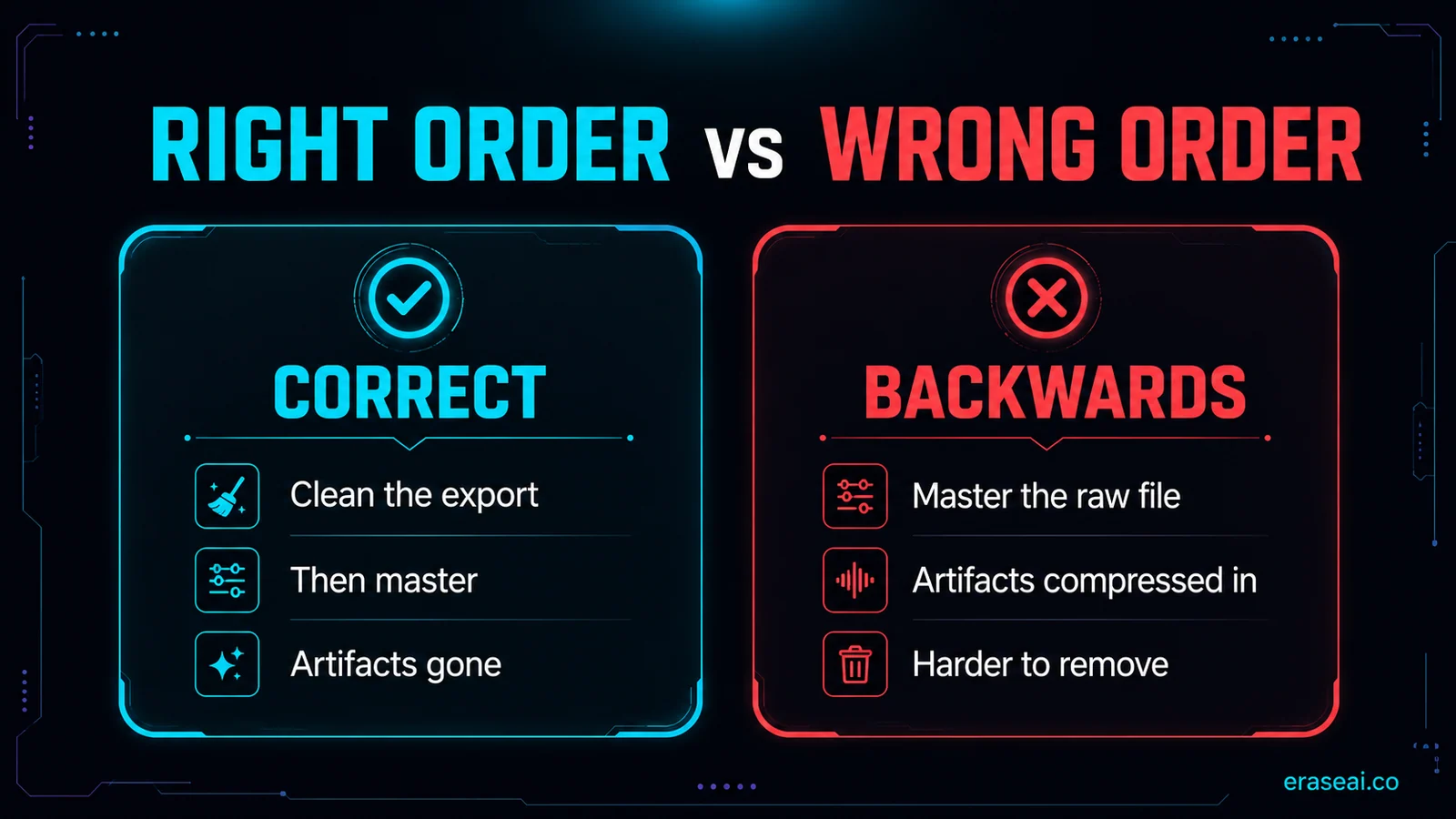
Order beats tooling: clean, then master, then distribute. A limiter does not know which parts of the signal you wanted gone, so mastering a raw export compresses the watermark layer and the synthetic edges up underneath the polish.
Suno exports are mixed, not mastered
The gap between those two words is the whole job.
A Suno export arrives as a finished mix. The parts sit together, the song is intact, and nothing about it is broken. What it is not is a master: integrated loudness usually lands well off the level streaming platforms normalise to, and the tonal balance has never been checked against a phone speaker, a pair of earbuds or a car system. Put that file next to a commercially released track in the same playlist and it sounds quieter and thinner, which is the only version of your music most listeners will ever hear.
A poster in r/SunoAI put the distinction better than any guide we read while researching this page. Writing on 7 October 2026, in a thread that drew 25 upvotes and 77 comments, they described the shift that fixed it for them: they stopped treating Remaster as the final stage and started treating the Suno export as the mix that still needs to be mastered. That is the correct mental model, and the rest of this page is what follows from it.
Remaster is a regeneration, in Suno's own words
The name is doing a lot of damage here.
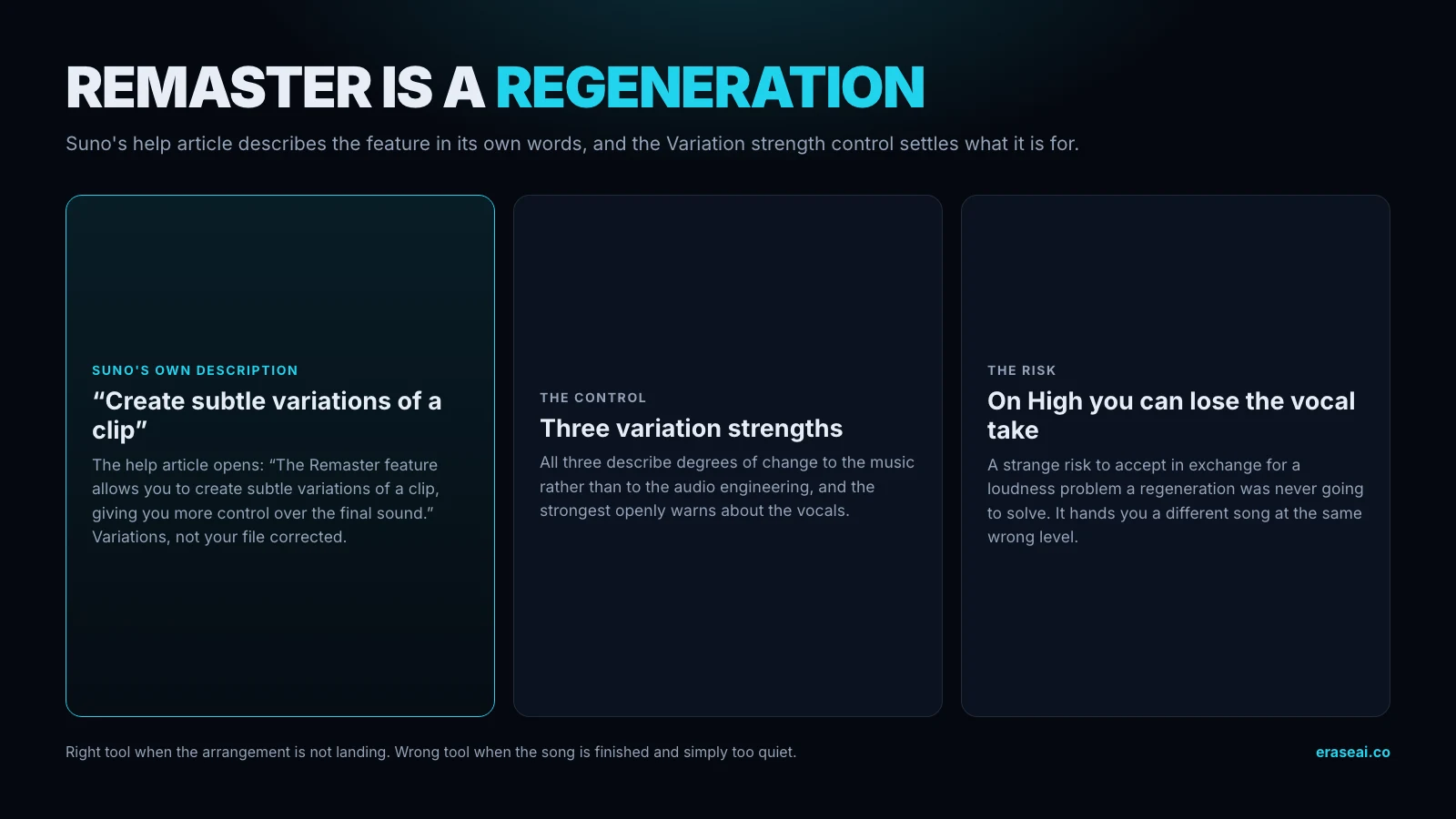
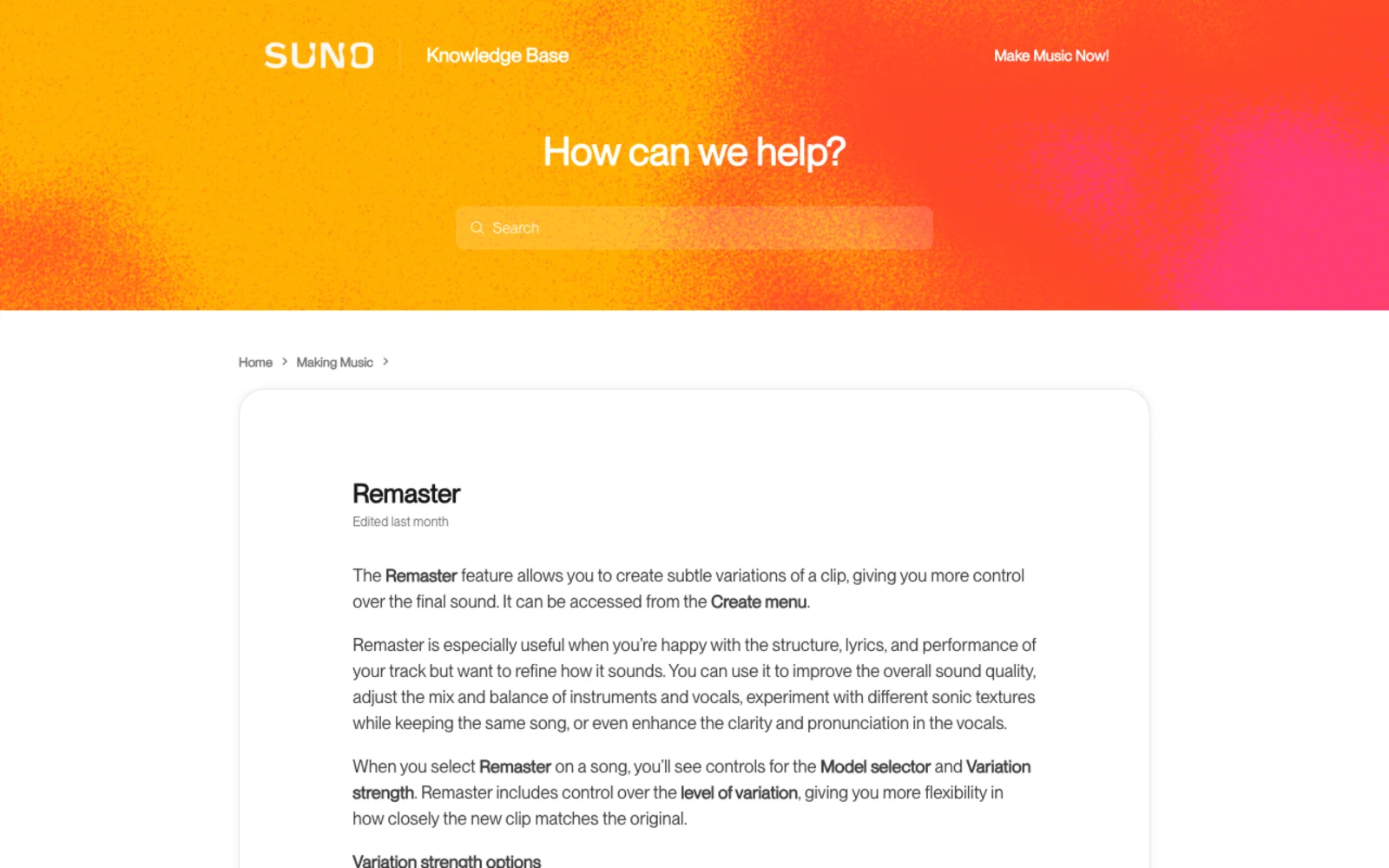
In audio production, mastering means taking a finished stereo file and correcting its level, its peaks and its tonal balance. Suno's Remaster does something else entirely, and Suno says so. Its help article opens: “The Remaster feature allows you to create subtle variations of a clip, giving you more control over the final sound.” Variations. What comes back is a new generation, not your file improved.
The Variation strength control makes it unambiguous. There are three settings and all three describe degrees of change to the music rather than to the audio engineering, with the strongest openly warning about the vocals.
| Setting | Suno's own description | What comes back | Is it mastering? |
|---|---|---|---|
| Subtle | “Very close to the original; only small acoustic and production details are changed.” | A new generation of the clip | No |
| Normal (default) | “Keeps duration and style the same while adding slight variations to musical details.” | A new generation of the clip | No |
| High | “Creates more noticeable differences, including possible changes to musical elements and vocals.” | A new generation, vocals included | No |
This is what the r/SunoAI poster meant by sending the song “back through the same ecosystem that generated it”. A regeneration can be exactly what you want when the arrangement is not landing. It is the wrong tool when the song is finished and the file is simply too quiet, because it will hand you a different song at the same wrong level. Worse, on High you can lose the vocal take you liked, which is a strange risk to accept in exchange for a loudness problem it was never going to solve.
What the platforms actually publish
One number is published. The rest of every comparison table is measurement.
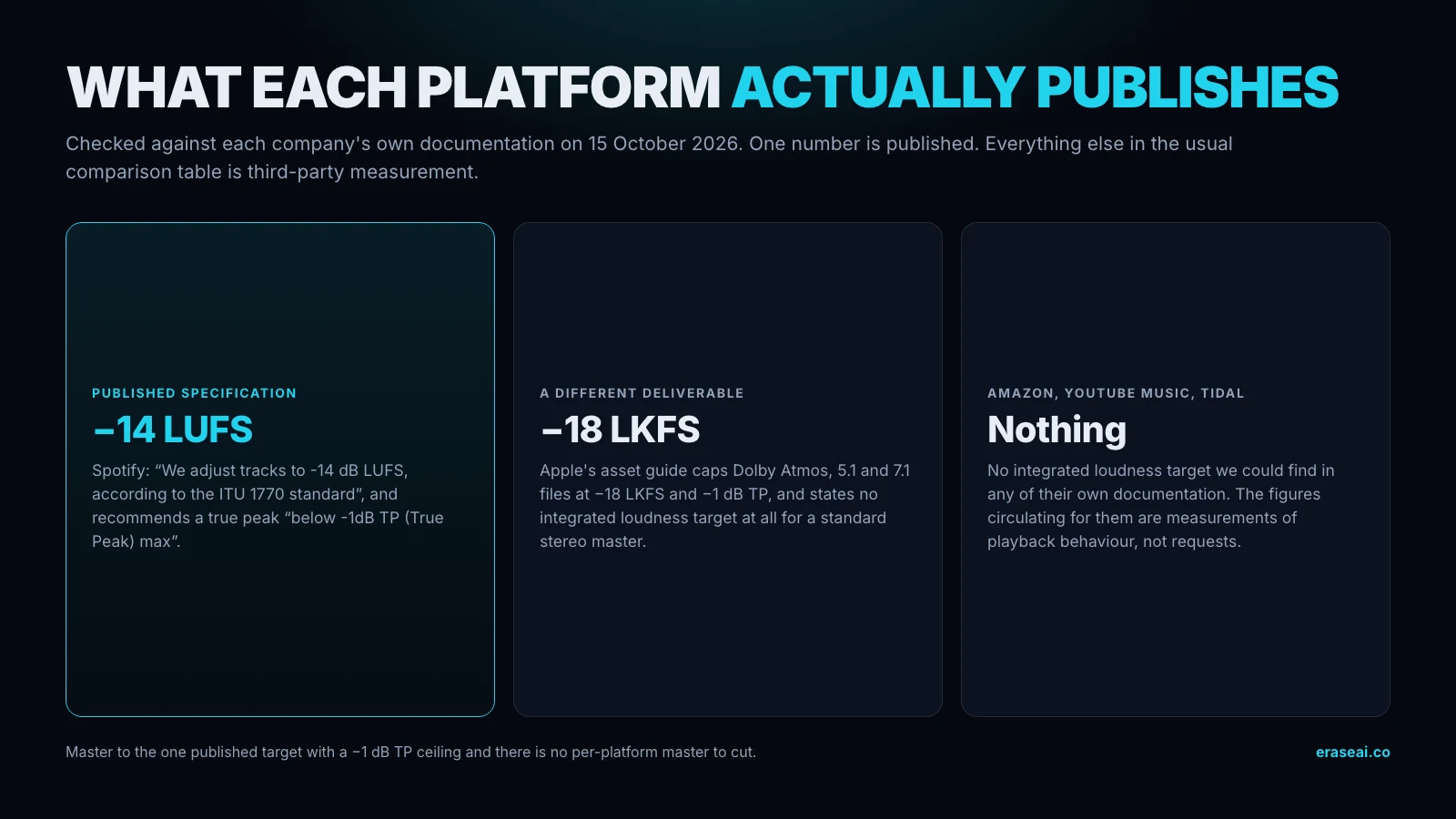
Every mastering guide for AI music, this one included until today, carries a table of per-platform LUFS targets as though all six were published specifications. We went to each platform's own documentation to check, and the result is the single most useful finding on this page: only Spotify publishes a figure.
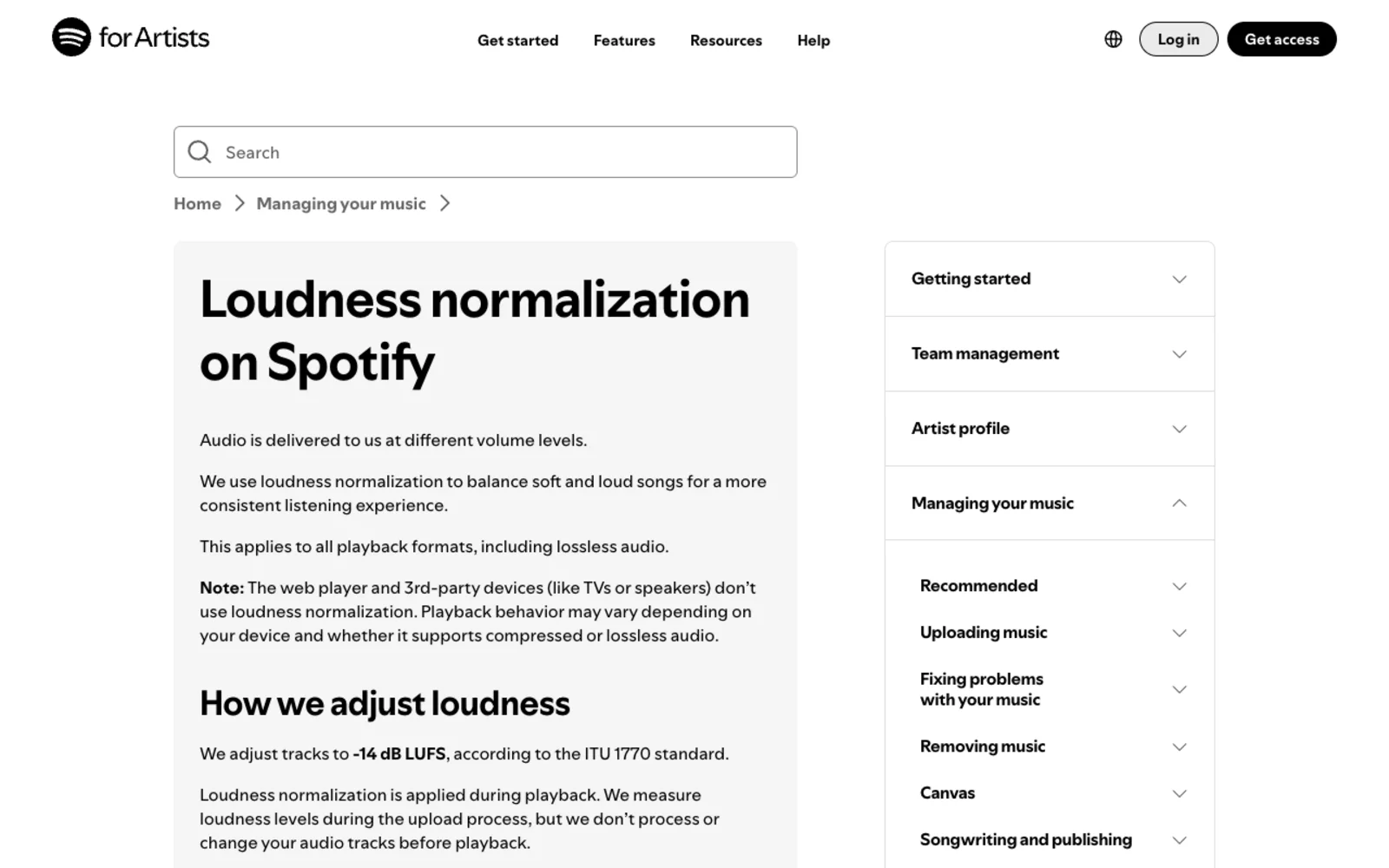
Spotify's loudness page is explicit — “We adjust tracks to -14 dB LUFS, according to the ITU 1770 standard” — and it recommends mastering to that level with true peak “below -1dB TP (True Peak) max”. Apple publishes requirements too, but for a different deliverable: its asset guide caps Dolby Atmos, 5.1 and 7.1 files at −18 LKFS and −1 dB TP, and states no integrated loudness target at all for a standard stereo master. Amazon Music, YouTube Music and Tidal publish nothing we could find in their own documentation.
| Platform | Integrated loudness it publishes | True peak it publishes | Where | What third-party tables say instead |
|---|---|---|---|---|
| Spotify | −14 LUFS | below −1 dB TP; below −2 dB TP if your master is louder than −14 | Spotify for Artists, “Loudness normalization on Spotify” | Agrees |
| Apple Music — stereo master | None published | None published | — | “−16 LUFS”, sometimes “−14”; neither figure is Apple's |
| Apple Music — Atmos, 5.1, 7.1 | Must not exceed −18 LKFS | Must not exceed −1 dB TP | Apple Video and Audio Asset Guide v5.3.19 | Rarely mentioned at all |
| Amazon Music | None found | None found | — | −14 LUFS, one table says −13; −1 or −2 dB TP |
| YouTube Music | None found | None found | — | −14 LUFS, no upward gain on quiet masters |
| Tidal | None found | None found | — | −14 LUFS; sources disagree on whether quiet masters are raised |
Two consequences. First, the “Apple Music −16 LUFS” row you have seen everywhere is a third-party measurement of playback behaviour that other guides give as −14, and it is not a figure Apple asks you for. It was in the infographic on this page and we have taken it out rather than keep restating it. Second, if you master to Spotify's published target with a −1 dB TP ceiling, you have satisfied the only specification that exists and you are within a decibel of every measured figure for the others. There is no per-platform master to cut.
Mastering loud buys you nothing
Spotify's rule is published, so the outcome is calculable.
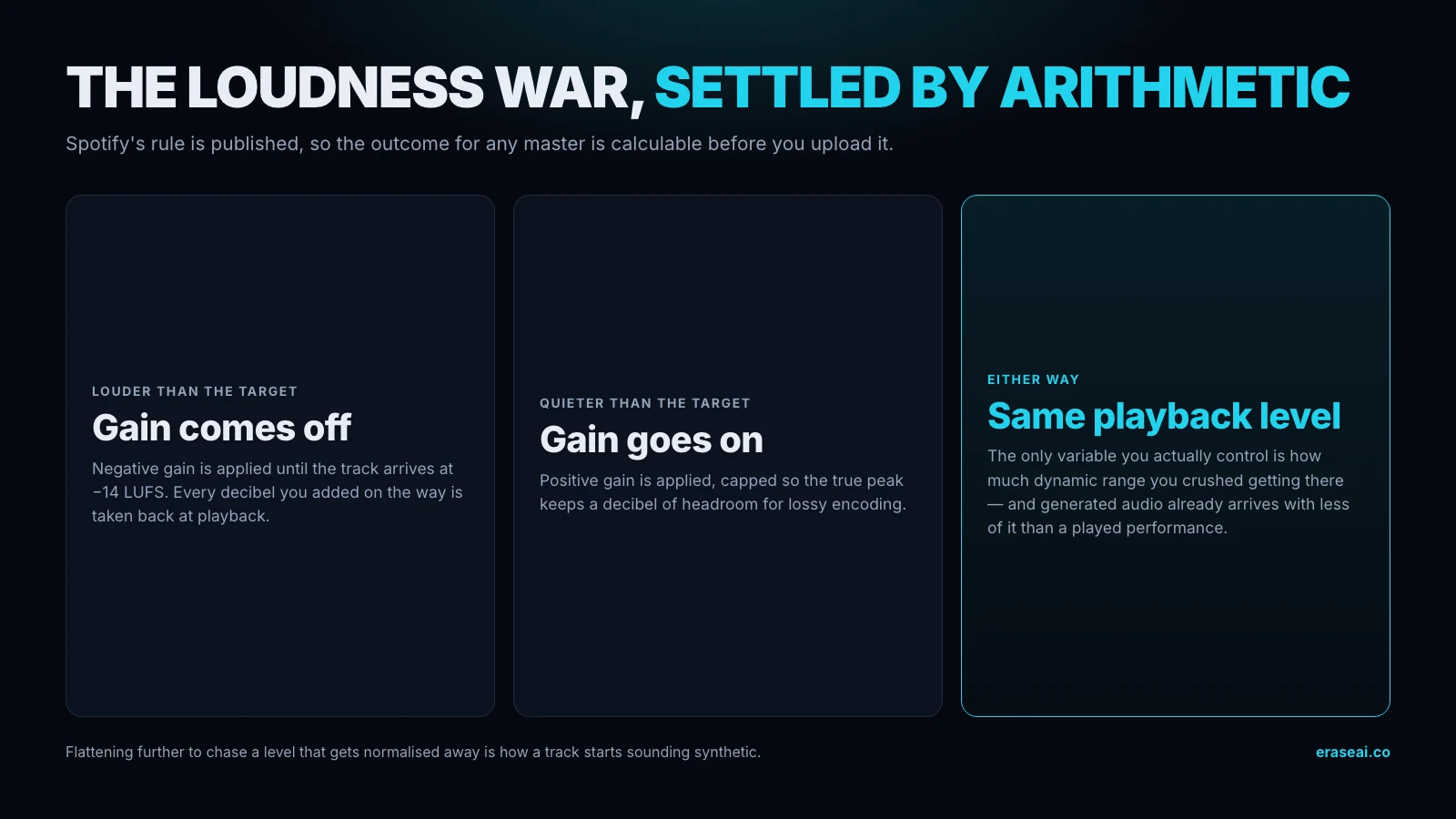
Because the rule is published, you can work out in advance exactly what happens to a master at any level. Anything louder than −14 LUFS gets negative gain applied until it arrives at −14. Anything quieter gets positive gain, capped so the true peak keeps a decibel of headroom for lossy encoding. The playback level is therefore the same whatever you do — the only variable you control is how much dynamic range you crushed on the way.
| Your master | What Spotify applies | What the listener hears | What you gave up |
|---|---|---|---|
| −6 LUFS | −8 dB of negative gain | −14 LUFS | 8 dB of dynamic range, permanently |
| −9 LUFS | −5 dB | −14 LUFS | 5 dB of dynamic range |
| −11 LUFS | −3 dB | −14 LUFS | 3 dB of dynamic range |
| −14 LUFS | Nothing | −14 LUFS | Nothing |
| −18 LUFS | Positive gain, capped so true peak keeps 1 dB of headroom | −14 LUFS, or quieter if the peaks block the lift | Nothing, if your true peak allows the lift |
This is the loudness war settled by arithmetic rather than opinion, and it matters more for AI-assisted tracks than for anything else, because generated audio already arrives with less dynamic variation than a played performance. Flattening it further to chase a level that gets normalised away is how a track ends up sounding synthetic to a listener who could not tell you why. Our guide to AI false positives covers the other reason that matters: heavy limiting is one of the production habits that pushes a human recording toward a classifier's AI side of the line.
Why cleanup has to come first
This is the single most common mistake with AI tracks, and it is not reversible.
Mastering is compression, limiting and tonal shaping applied to whatever is already in the file. It does not distinguish between the parts of the signal you want louder and the parts you would rather remove. Run it on a raw Suno export and every watermark layer, metallic vocal edge and brittle high-end artifact is compressed up alongside the music — louder, more audible, and measurably harder for any cleanup pass to separate afterwards.
Reverse the order and the same mastering pass works in your favour. Clean the export first and mastering polishes a corrected signal: the loudness comes up, the tone settles, and there is nothing objectionable underneath to amplify. The rule is short enough to memorise — clean, then master, then distribute — and it is the backbone of the workflow in our AI audio cleanup guide.
| Step | What it fixes | What it cannot fix | Cost of skipping it |
|---|---|---|---|
| 1. Export the best format your plan allows | Nothing — it preserves what is there | A plan that only gives you MP3 | You spend the whole chain polishing audio that already threw information away |
| 2. Clean the artifacts | The watermark layer, metallic vocal edges, brittle high-end | Arrangement, performance, a generation that came out badly | The limiter compresses all of it up underneath the polish, where it is louder and harder to separate |
| 3. Master | Integrated loudness, tonal balance, the peak ceiling | Anything from step 2 once it is baked in | A quiet, thin file sitting next to commercial masters in the same playlist |
| 4. A/B against the raw export | Your own confidence that the song survived | — | You ship a version you never actually compared |
One wrinkle specific to Suno. If you are working from stems rather than the stereo mix, clean at the stem level before you sum, because a fault in one regenerated stem is far easier to deal with in isolation than once it is inside a summed master. And if the export degrades partway through rather than sounding wrong throughout, that is a positional generation problem, not a mastering one — no amount of polish fixes a passage the model lost the thread on.
Three ways to master it, honestly compared
The order matters more than which of these you pick.
A human mastering engineer still hears things software does not, and for one release you genuinely care about that is money well spent. For a catalogue it stops working on arithmetic rather than on quality. A DAW chain gives you the most control and costs the most time to learn. An automated pass is where almost everyone in this niche lands, and the honest reason is throughput.
EraseAI recommends Undetectr for this because it does the two steps in the right order in one operation: the cleanup pass strips the watermark layers and synthetic artifacts, and the mastering pass runs on the corrected file rather than the raw one. One correction to what this page said before, read off the pricing page today: mastering is included with the €39 Lifetime plan and is not part of the €19 Starter plan, which lists ten processing credits and excludes the mastering suite. Our full review covers the rest, and our AI mastering overview compares the automated approach more broadly.
Whichever route you take, note what none of them buy you. An automated pass is excellent at hitting a target level and settling tone, and it will not rescue a generation that came out badly. Mastering is the last five percent.
Undetectr links on this page are affiliate links, and EraseAI earns a commission if you buy through them. Prices above were read on its pricing page on 15 October 2026 and change without notice.
What mastering cannot fix
Two things get blamed on mastering that have nothing to do with it.
The first is screening. Nothing you do to an audio file changes how a distributor classifies it or how a platform labels it — those are decisions about how the track was made, taken from declared metadata and automated analysis, not judgements about your loudness. If a release was flagged and rejected by automated screening, the remedy is the appeal route in the rejection email. A mastering pass is not an argument.
The second is listeners. A properly mastered track competes on level with everything around it, which removes a reason to skip it — and that is all it does. The hardest problem in this niche is not getting a release accepted; it is that nobody hears it. Two things help more than another decibel: a storefront you own, so a listener who does find you can buy directly, and paid sync placements in TV, film, games and advertising, which is where the real money in AI-assisted music is being paid today and does not depend on algorithmic discovery at all. That is what played.fm's sync route is for, and keeping 100% of a direct sale is the part that follows, not the pitch.
Once the master is done, the remaining work is the release itself — formats, metadata, AI disclosure and the distributor's own requirements, which our Suno to Spotify guide walks through end to end.
The rest of the release stack
- AI Audio Cleanup — the four artifact layers to clear before mastering
- AI Watermark Remover for Music — the identifier layer specifically
- Suno Stems — why Suno regenerates stems instead of splitting the mix
- AI Mastering — the automated approach across tools
- Suno to Spotify — the full release and distribution path
- Suno Watermark Remover — the Suno-specific cleanup guide
Suno mastering questions
Does Suno's Remaster button master my track?
No. Suno's help article describes Remaster as a feature that “allows you to create subtle variations of a clip”. What comes back is a new generation, not your file with its loudness and tonal balance corrected — and on the High setting Suno says it can produce “possible changes to musical elements and vocals”.
What loudness should I master a Suno track to?
−14 LUFS integrated with a true peak below −1 dB, which is the only target any major platform publishes. Apple, Amazon, YouTube Music and Tidal publish no stereo figure we could find, so that is the defensible default rather than a per-platform set of numbers.
Is it true that Apple Music wants −16 LUFS?
That figure is not Apple's. Its Video and Audio Asset Guide publishes −18 LKFS and −1 dB TP for immersive deliverables — Atmos, 5.1 and 7.1 — and no loudness target at all for a stereo master. Third-party guides give both −16 and −14, and cite nothing.
Should I clean the artifacts before or after mastering?
Before, always. Mastering is compression, limiting and tonal shaping applied to whatever is in the file, and it cannot tell the parts you want louder from the parts you want gone. Clean first and the same pass works on a corrected signal.
Will mastering stop my track being flagged as AI?
No, and nothing you do to the audio will. Screening and platform labelling are decisions about how a track was made, not how loud it is. If a release was rejected, the route is the appeal in your rejection email.
Can mastering rescue a bad Suno generation?
No. Mastering balances tone and sets level; it cannot repair a weak arrangement, an awkward vocal take or a generation that fell apart. If the track is wrong, regenerate it rather than trying to rescue it downstream.
Do I need a mastering engineer, or will an automated pass do?
For one release you care about, a human engineer still hears things software does not. For a catalogue the per-track economics stop working first, which is why automated passes dominate here. Either way the order matters more: an automated pass on a cleaned file beats a human master on a raw export.
Sources, and what we could not verify
Everything quoted above, dated, and what we removed.
- Suno Help Centre — “Remaster”: every Remaster quotation and all three Variation strength descriptions in Table 1. Read at source 15 October 2026; the article carries an “Edited” label with no date.
- Spotify for Artists — “Loudness normalization on Spotify”: the −14 LUFS target, the true-peak recommendations and the gain rule Table 3 is calculated from, which Spotify measures per ITU-R BS.1770.
- Apple — Video and Audio Asset Guide, v5.3.19: “The integrated loudness value must not exceed -18 LKFS” and “True-peak level must not exceed -1 dB TP” for the immersive profiles, and the absence of any stereo music loudness target.
- r/SunoAI — “Outsourcing Your Suno Mastering”, u/Grouchy-History-5540, 7 October 2026: the “same ecosystem that generated it” and “the mix that still needs to be mastered” quotations. Counts of 25 upvotes and 77 comments were taken on 15 October 2026 and will have moved.
- Credit where it is due: AI Musicpreneur's mastering-tool roundup (10 September 2026) reaches the same conclusion about Remaster independently, and is the better page if what you want is a tool-by-tool comparison. It discloses a paid partner among the tools it ranks.
What this page used to say and no longer does. It gave “Apple Music −16 LUFS” as a platform specification; Apple publishes no stereo figure, so the claim is gone and the infographic that carried it has been pulled pending a corrected version. It also stated twice that distributor screening reads off-spec loudness as a low-effort upload: we could find no source for that, so it has been removed rather than softened. The per-track price range we quoted for a human mastering engineer was unsourced and is gone too. Undetectr's own pass-rate figures are not repeated here — its pricing page publishes no methodology for them. Nothing here is advice about any specific release; platform policies and prices change without notice. Last updated 15 October 2026.
Clean it first. Then set the level once.
One pass handles both, in the order that works — the artifacts come out, the loudness lands on the one target anybody actually publishes, and the song stays exactly as you wrote it. It will not change how a platform labels your release, and nothing else will either.
▸ Independent · We recommend Undetectr