EraseAI · 19 November 2026
Suno Song Length: Finish on Time in V6 (2026)
Key takeaways
- Suno song length has two different meanings: the model's generation ceiling and the duration your finished project needs.
- Suno documents up to 8 minutes per V6 generation. That is a maximum, not a promise to hit a requested timestamp.
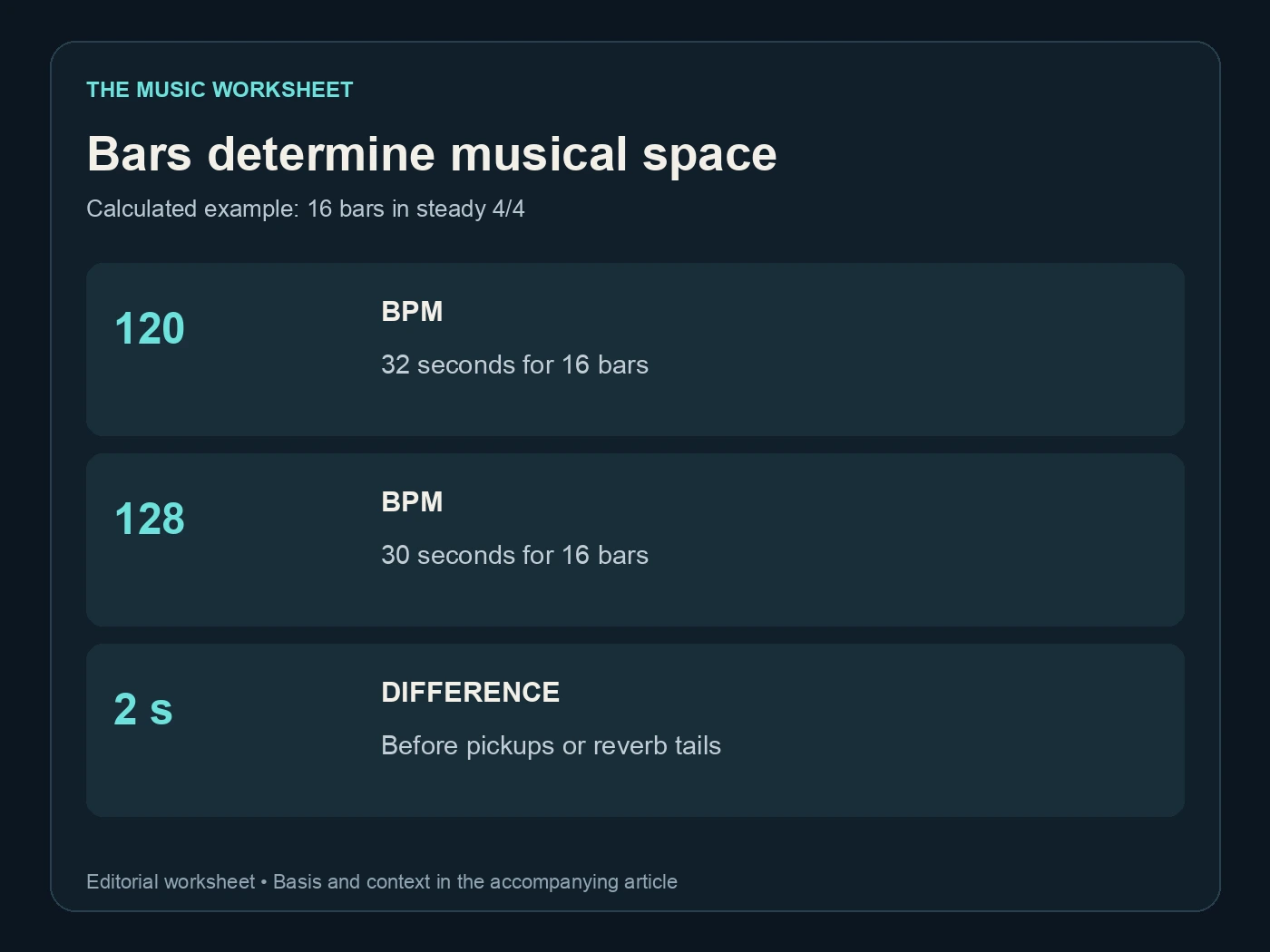
- At 120 BPM in 4/4, 16 bars last 32 seconds. Plan sections before you ask for a longer or shorter song.
- WaveQuake can help you develop alternative arrangements; approve the final timing from the exported file.
In this article
- Separate the maximum length from your delivery target
- Build an arrangement in bars before seconds
- Give Suno a section plan it can interpret
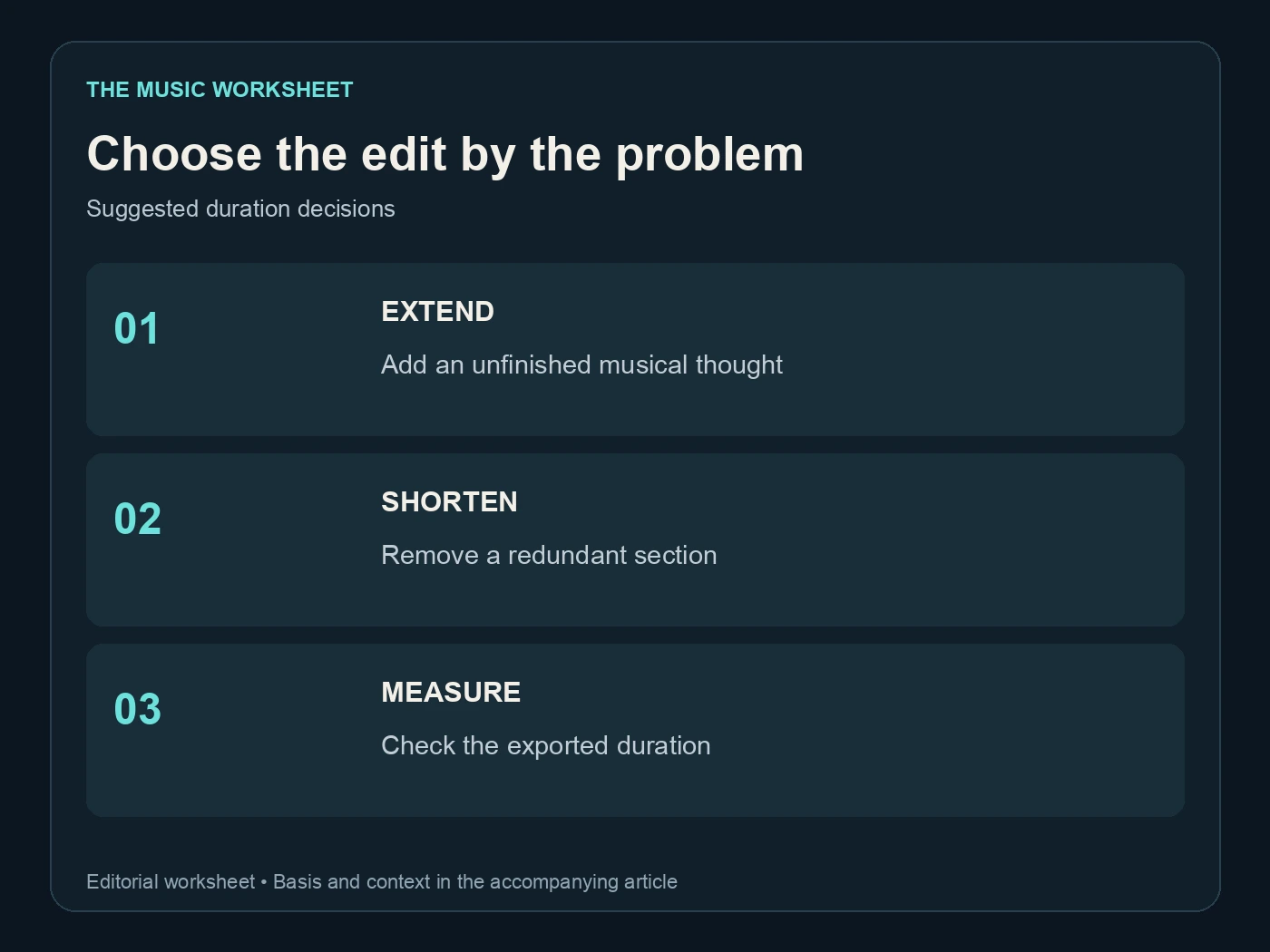
- Extend a song when the musical thought is unfinished
- Shorten the structure before reaching for a fade
- Use WaveQuake to develop a compact arrangement
- Check the complete export against the picture or brief
- Keep a version record for future cutdowns
- Frequently asked questions
Suno song length becomes a problem when the music is good but the timing is wrong: a chorus ends before the video does, a long intro uses the available space, or the track keeps returning for another ending. The answer is usually a clearer arrangement plan followed by a deliberate edit. We checked Suno's V6 and Song Editor documentation and worked through timing examples you can adapt to your own project.
Separate the maximum length from your delivery target
Suno's V6 overview says all three V6 variants support up to eight minutes per generation. That tells you the documented ceiling. It does not mean every request returns eight minutes, or that writing “exactly 30 seconds” guarantees a broadcast-ready cut.
Define your delivery target separately. A three-minute single needs a satisfying musical arc. A 30-second video needs to fit a fixed picture edit. A looping game cue needs a repeatable boundary. Each requires a different arrangement even if the same generation tool supplies the source audio.
Write the target in your project brief and include whether a short tail is acceptable. “Music ends at 30 seconds, with no audible tail after that point” is a different deliverable from “30-second main section plus a natural decay.” Ask for the distinction before you begin editing for someone else.
Our Suno V6 guide covers the model itself. Here, the working rule is simpler: judge duration from the exported recording you intend to deliver, including silence and reverb at the edges.

Build an arrangement in bars before seconds
A musical phrase needs room to finish. Counting bars helps you see whether the requested structure can fit the available time. For steady 4/4 music, duration in seconds equals bars multiplied by 240, divided by BPM.
These are calculated examples, not measured Suno outputs:
| Tempo | 4 bars | 8 bars | 16 bars |
|---|---|---|---|
| 80 BPM | 12 s | 24 s | 48 s |
| 96 BPM | 10 s | 20 s | 40 s |
| 120 BPM | 8 s | 16 s | 32 s |
| 128 BPM | 7.5 s | 15 s | 30 s |
At 128 BPM, sixteen bars fit thirty seconds mathematically. At 120 BPM, the same sixteen bars take thirty-two seconds. That small difference explains why a complete phrase may run beyond an otherwise reasonable video brief.
The calculation assumes a steady tempo and complete bars. A pickup, free-time introduction or long decay changes the total file length. Use the table to design the structure, then measure the actual performance.
For a vocal song, allow space for the lyric as well as the instrumental sections. A chorus packed with words will not become natural simply because your timing spreadsheet says the bars fit.
Give Suno a section plan it can interpret
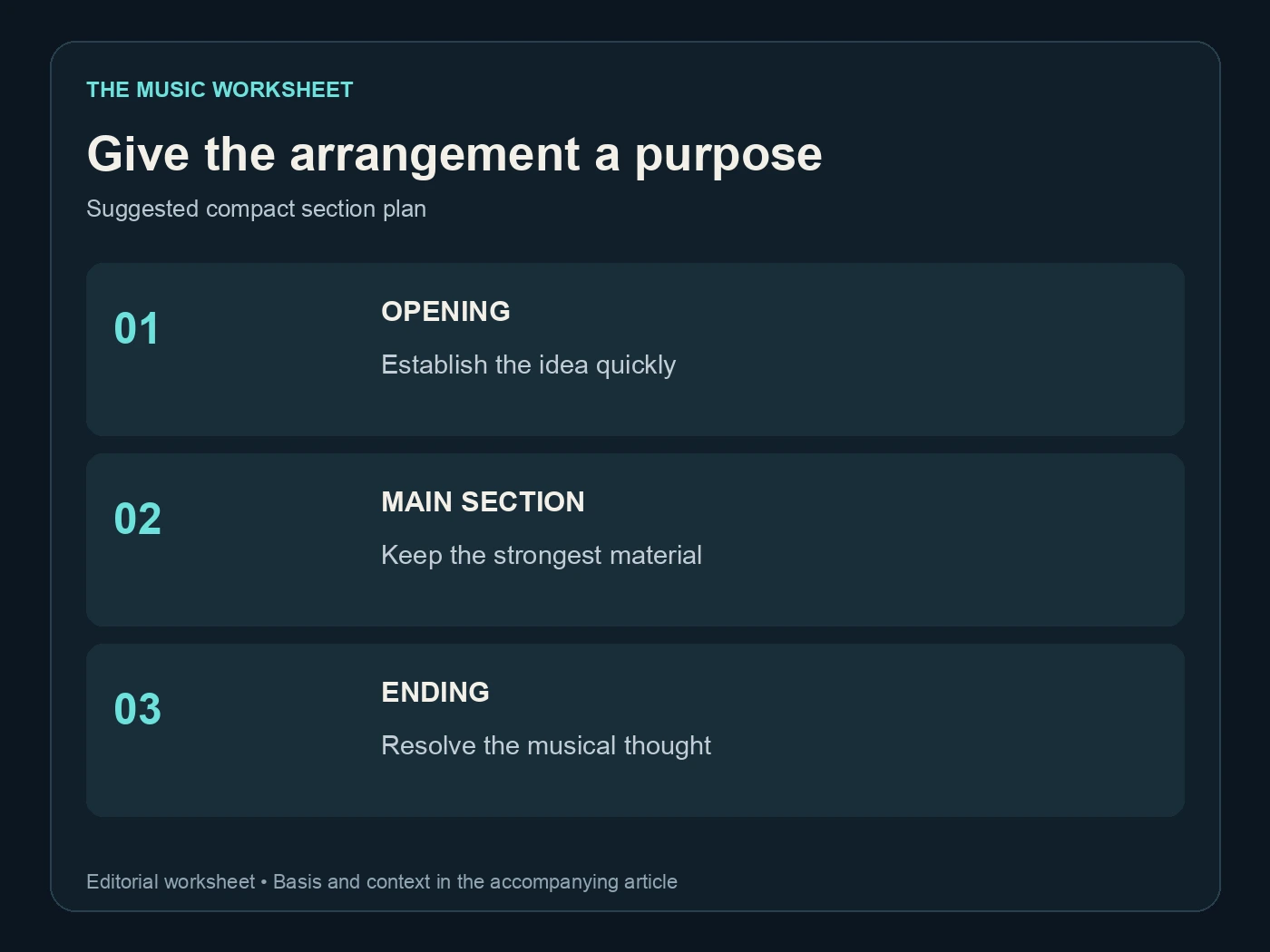
Describe the order and purpose of sections. An original brief might read: “Short instrumental opening, one verse, a clear chorus, a brief instrumental response and a final chorus with a definite ending. Keep the arrangement compact.” Add your target duration, tempo and musical feel as guidance.
Avoid writing a long list of additional sections while asking for a short result. A second verse, pre-chorus, bridge, solo and repeated final chorus all need time. If you only have a minute, decide which one carries the story and omit the rest.
Suno's model guide positions the core V6 model around control and Wild around exploration. For a timed production brief, start with the controlled interpretation and use experimental variants when you are still looking for ideas. Neither description establishes a stopwatch guarantee.
Label your candidates by structure: “short intro,” “chorus first” or “one verse.” That makes the comparison easier than numbering every take without a reason. If the song sounds good but develops too slowly, a chorus-first arrangement may solve the problem more cleanly than accelerating the whole file.

Extend a song when the musical thought is unfinished
An extension is useful when the track needs more music after a particular point. It is less useful when the existing structure already repeats itself and you simply want a longer file.
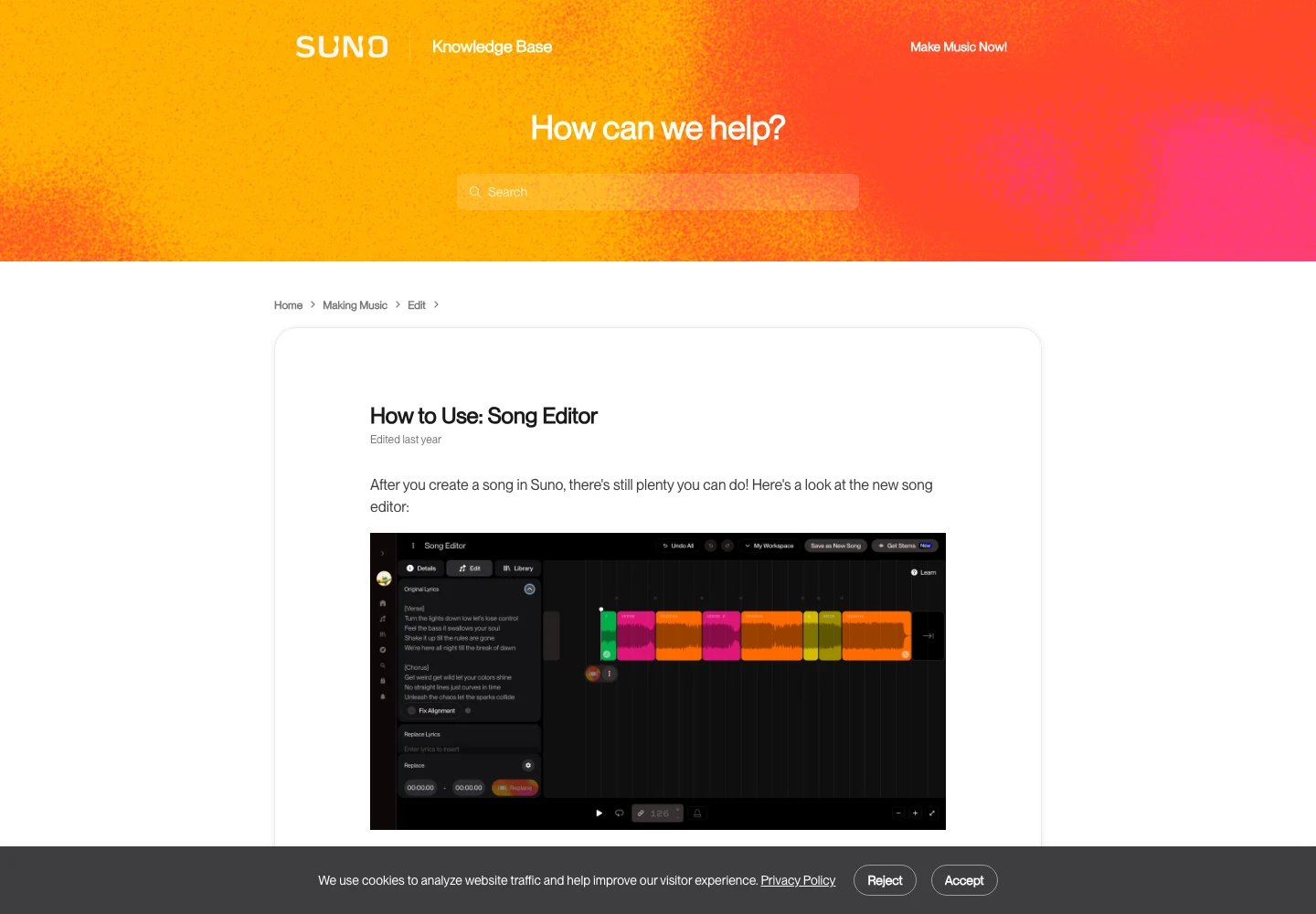
The Suno Song Editor guide describes extending from the end of the track using a prompt or Quick Extend. Tell the extension what should happen next: an instrumental passage, a final chorus or a resolved ending. Listen to the transition from the existing recording into the new material.
Choose the extension point with the musical phrase in mind. A section boundary gives you a clearer comparison than a cut through an unfinished lyric. Keep the source version so you can return to the previous ending if the extension changes the character too much.
If the longer section introduces unstable sound or inconsistent vocals, separate that quality problem from the duration problem. Our guide to Suno tracks degrading after two minutes covers the listening diagnosis. Adding more seconds does not fix an arrangement or performance you already dislike.
Shorten the structure before reaching for a fade
A fade can be an appropriate ending, but it is not a substitute for deciding which musical material matters. Listen for an intro that can be reduced, a repeated passage that adds little or a transition that can move directly into the final chorus.
Suno documents section movement, cropping and replacement in its editor. Its Replace Section guidance is relevant when the middle needs new material rather than a simple cut. Use these operations according to the musical change you want.
| Example delivery | First edit to consider | Timing check |
|---|---|---|
| 30-second video | One complete motif with an ending | Full 30 s |
| 60-second introduction | Short opening plus one main section | Full 60 s |
| 180-second song | Remove a redundant repeat before fading | Full 180 s |
These are planning examples, not platform length requirements. A useful edit keeps the listener oriented: the harmony still resolves, the beat lands naturally and the vocal phrase finishes.
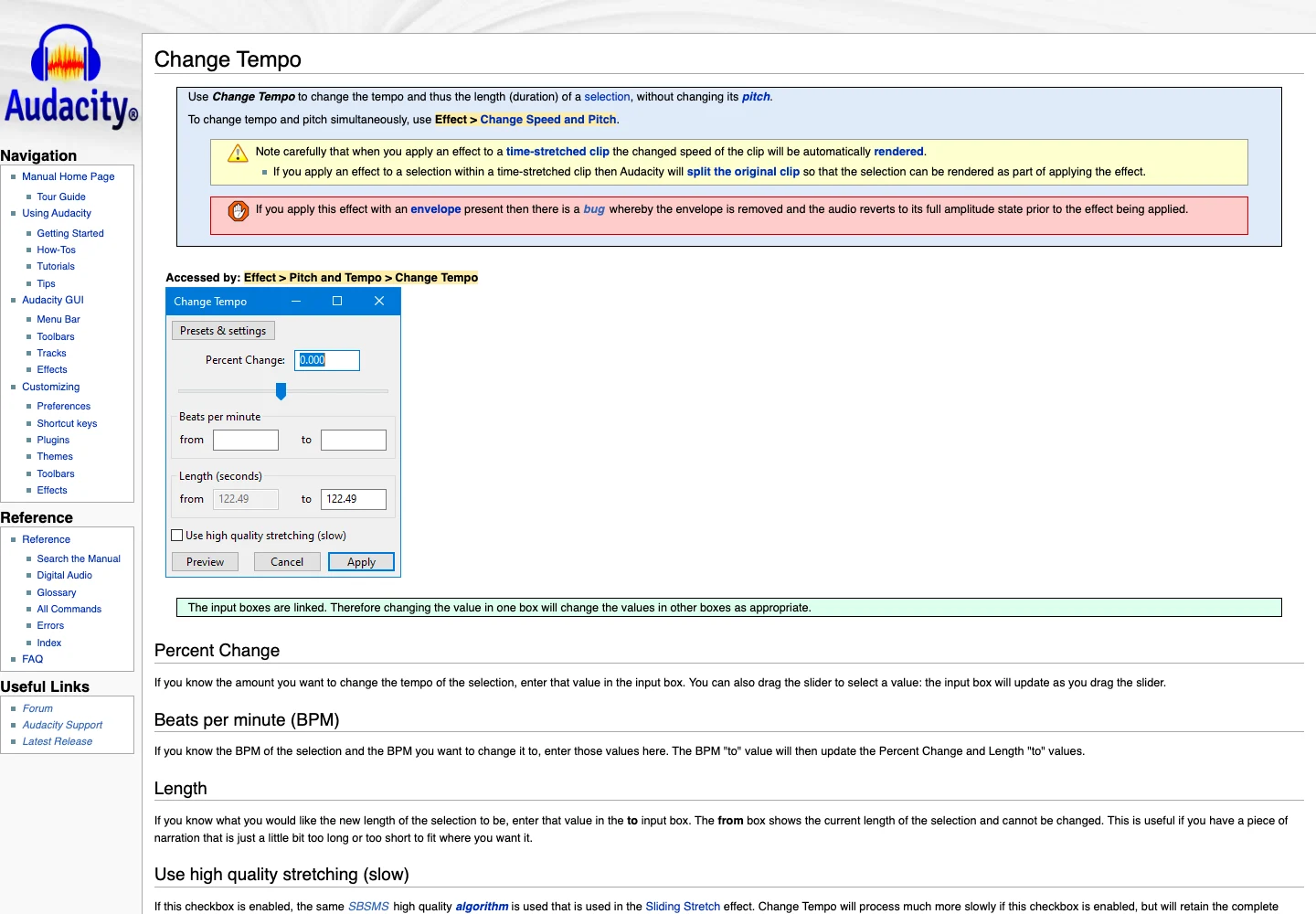
Audacity's Change Tempo documentation offers another option when a modest duration adjustment is appropriate. Preserve a copy and listen for artifacts. Time stretching should support a good edit, not force an overstuffed arrangement into an impossible slot.
Use WaveQuake to develop a compact arrangement
WaveQuake is useful when the timing problem begins with the song idea. Its Songwriter can help reduce the lyric to a stronger hook, and its creation workflow gives you alternative recordings to compare before committing to the edit.
Write the brief around the delivery: “A concise chorus-led song for a short launch film, a restrained verse and a clear final cadence.” Keep the lyric short enough to sing comfortably. Compare the two versions from a successful standard generation for how quickly they establish the idea and whether their endings are usable.
WaveQuake's pricing page currently includes unlimited standard generations and downloads of retained files, along with mastering. That can suit a project where you want several arrangement candidates without adding a separate download charge. The published limits still include two active music jobs, 10 GB working storage and 30-day retention.
Treat duration as an acceptance check rather than an assumed capability. This guide does not claim WaveQuake has a frame-accurate generation lock or can surgically extend a Suno master. It offers another route to a source recording you can develop and edit. Our WaveQuake review covers the wider workflow.


Check the complete export against the picture or brief
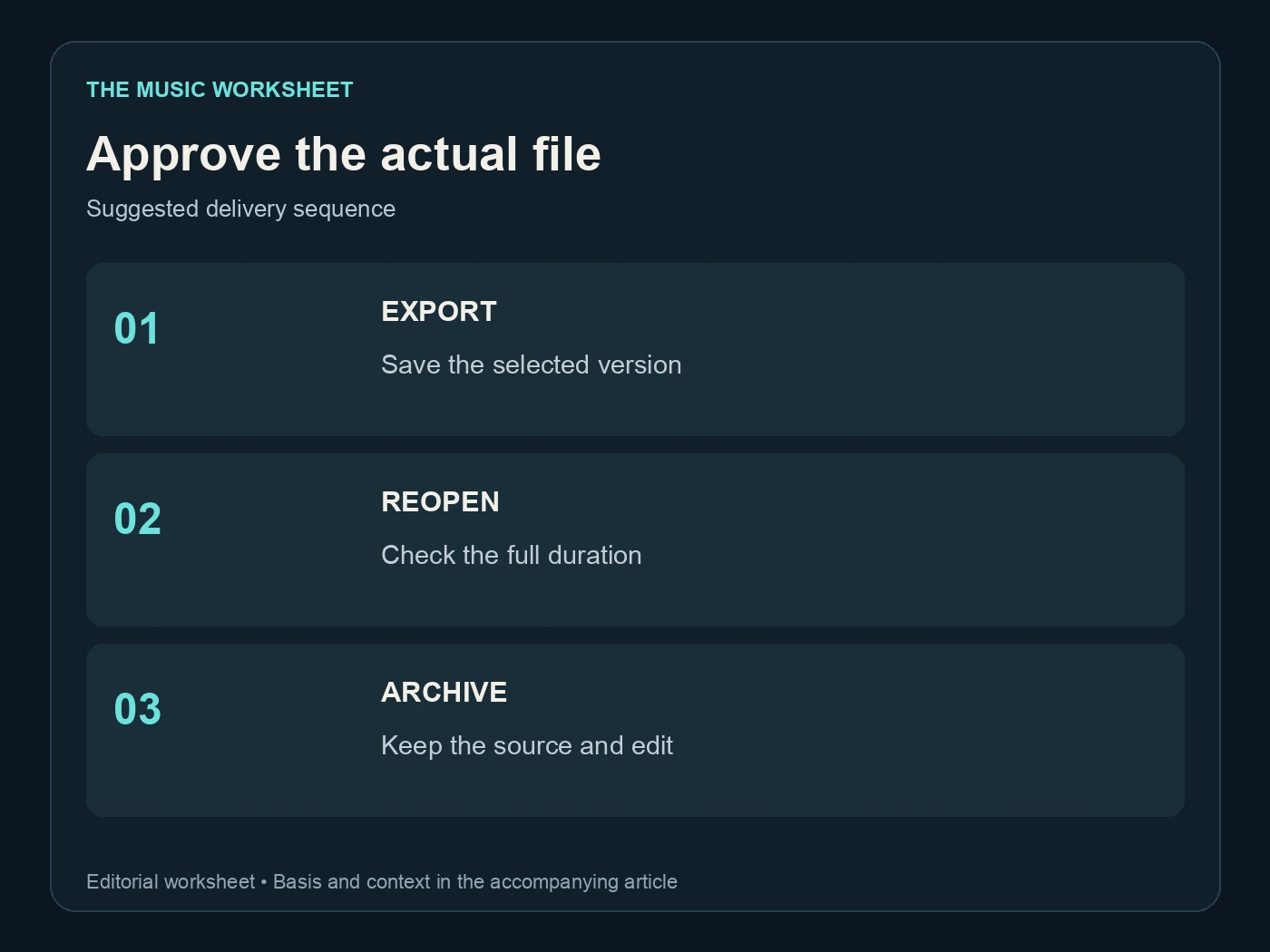
The editor's visible selection is not always the complete delivered file. Export the approved version, reopen it and check the first sound, last sound and file duration. If there is a tail, decide whether it belongs inside the timing requirement.
For video, play the export with the picture from the beginning. Do not test only the final frame. A small shift at the opening can move every later musical cue even when the total duration is correct.
For a release, listen to the entire final song without skipping. Check whether the shortened structure now feels abrupt or whether the extension introduces a second ending. A technically correct duration is useful only if the song still feels complete.
If you use Undetectr in your preparation workflow, repeat this check after processing the selected file. Our audio cleanup guide covers the separate sound-quality stage, and our stem guide helps when a mix needs more selective work.
Keep a version record for future cutdowns
Save the original generation, the arrangement notes, the editing project and the delivered file. Include the approved duration and any special requirement about tails or silence. That gives you a reliable starting point when a client asks for a shorter version.
Name cutdowns by purpose and actual duration. “Launch film 30s” and “social teaser 15s” are clearer than “short version” and “shorter version.” Do not overwrite the full song when making a promotional edit.
A good timed-music workflow makes the creative decisions first and the final measurements last. Choose the phrase, make the arrangement fit, then verify the export. That sequence avoids using repeated generations as a substitute for a clear production brief.
Related reading
Frequently asked questions
How long can a Suno V6 generation be?
Suno documents up to eight minutes per generation across the V6 family. That is a ceiling, not a promise that every request will reach it.
Can Suno make a song exactly thirty seconds long?
You can request a target, but verify the resulting file and expect to edit when the timing is strict. A bar-based arrangement plan helps you make a musically complete cut.
How many bars fit in thirty seconds?
In steady 4/4 at 128 BPM, sixteen bars last thirty seconds. A different tempo, pickup or decay changes the practical file length.
Should I extend or regenerate a short song?
Extend when you like the recording and need a coherent next section. Regenerate when the structure or musical direction itself is wrong.
Can WaveQuake help make a shorter arrangement?
You can use its writing and generation workflow to develop a compact song brief and compare takes. Measure the output and edit the chosen recording to the actual delivery requirement.
Does a fade solve every long ending?
No. Remove unnecessary structure first, then decide whether a fade suits the song. Listen to the final export to make sure the musical thought still feels complete.