EraseAI · 13 November 2026
AI Music EP Prep With Undetectr (2026)

Key takeaways
- Finish the track selection before processing a four-song EP; keep the sequence separate from discarded takes.
- Review each Undetectr output alone, then listen to all four songs in order.
- A four-track project needs at least four approved audio files and one shared release sheet.
- Lifetime currently costs €39 with unlimited processing and mastering included; Starter is €19 for ten credits.
In this article
- Select four performances that belong together
- Build a project sheet before processing
- Use Undetectr as a consistent preparation step
- Check each song before judging the EP
- Listen to the four songs as one release
- Choose the plan and keep the budget realistic
- Deliver the EP as one clear package
- Frequently asked questions
AI music EP prep gets complicated when four good songs arrive with different endings, vocal balances and file histories. This workflow uses Undetectr as a consistent processing step, then adds an EP-level listening pass before delivery. We checked the current product details and built a four-song planning example you can adapt without assuming every track should sound identical.
Select four performances that belong together
An EP begins with selection. Pick the performances that carry the project, rather than taking the first four completed generations. Listen for the relationship between songs: the voice, lyrical perspective, production palette and energy. A deliberate contrast can work; an accidental change of singer or genre needs a decision.
Create a shortlist with a single selected take for each slot. If one song still has a lyric problem or a weak final chorus, keep it in a working folder until you resolve that issue. Processing cannot choose the performance for you. A clear shortlist keeps the finishing stage focused on recordings you intend to release.
Name the four files before you start. Track numbers can wait until the sequence is settled, but each song needs a stable working title and version. Keep its source reference and export date. You should be able to identify the take without opening a browser library and guessing from the artwork.
Our Suno albums guide covers the wider project question. This article deals with a smaller, concrete handoff: four selected recordings moving through Undetectr and into a coherent delivery package. The same method scales to a three-song or six-song release by changing the count.
Make one written decision about the EP's sound. For example, you may want intimate verses and a larger final track. That is a creative brief, not a technical setting. It gives you a reference when a later processing choice makes one song feel disconnected from the others.
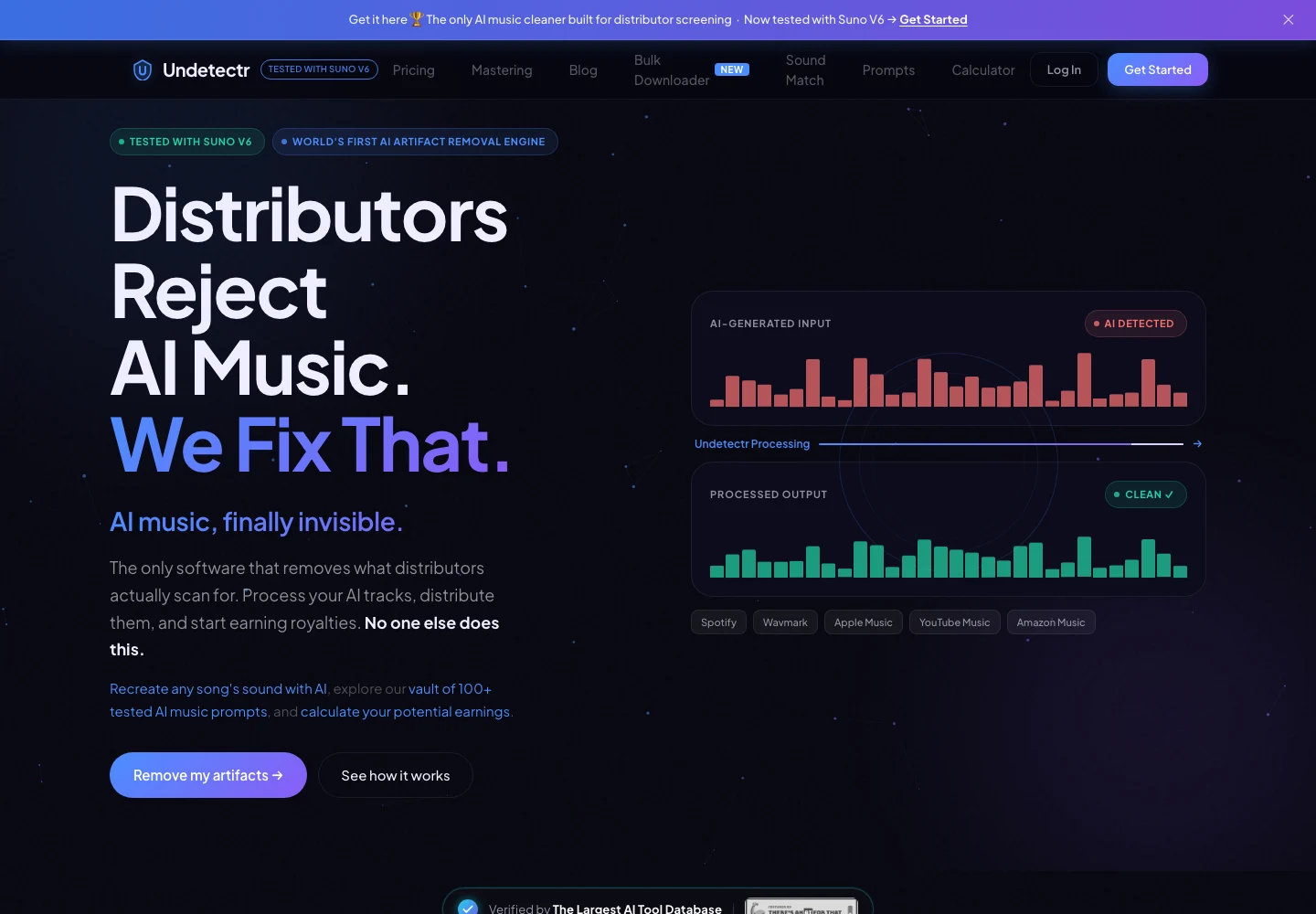
Undetectr’s public product page, captured 13 November 2026. The page describes the audio-preparation service. Source.
Build a project sheet before processing
Use one release sheet for the EP, with one row per track. Keep the project title and shared artist spelling at the top. Each row should identify the selected source and the file that eventually passes your listening review.
| Item for a four-song EP | Minimum count | Why it matters |
|---|---|---|
| Selected source recordings | 4 | One chosen performance per song |
| Saved processing outputs | 4 | One identifiable result per source |
| Approved delivery files | 4 | The exact versions to submit |
| Shared release sheet | 1 | Keep sequence and credits together |
These are planning counts, not a technical limitation or a claim about a test catalogue. Keep alternate takes outside the delivery folder. If you need to revisit one, you can make that change deliberately rather than accidentally uploading it with the final set.
Write down the intended order, the displayed title and whether each track is explicit. Add collaborator credits and any information your distributor requests. Keep private creation and rights records alongside the project, with access limited to the people who need them.
The release-checks guide explains why audio and submission details need separate attention. A good-sounding file does not catch a misspelled contributor. A complete spreadsheet does not catch a chopped ending. Your sheet should link those two review tasks without pretending that either replaces the other.
Save the sheet as a dated version before processing. That gives you a stable starting point and makes later changes visible. You can then work through the songs in a consistent order.
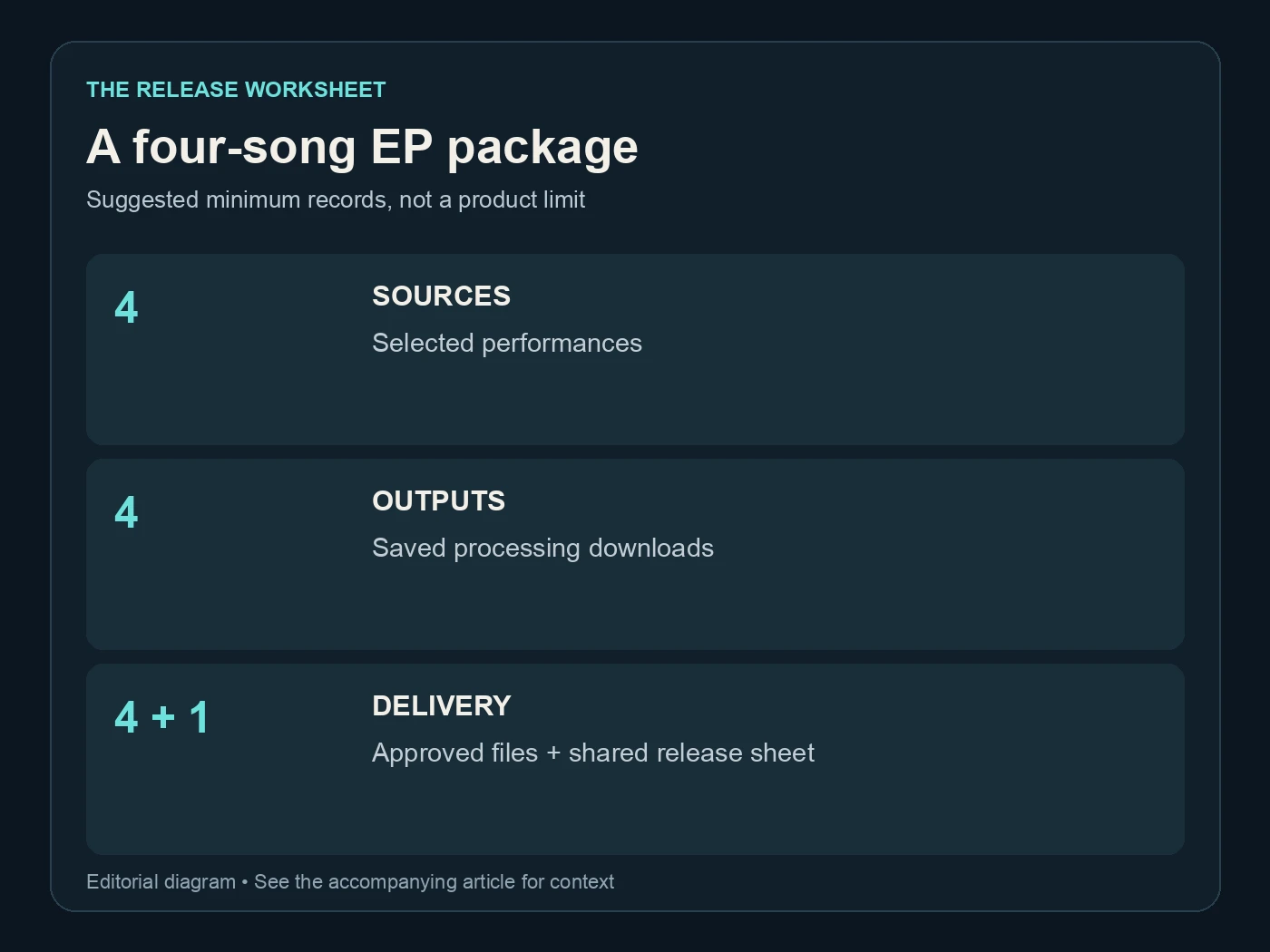
A four-song EP package. Suggested minimum records, not a product limit. Editorial diagram; details are explained above.
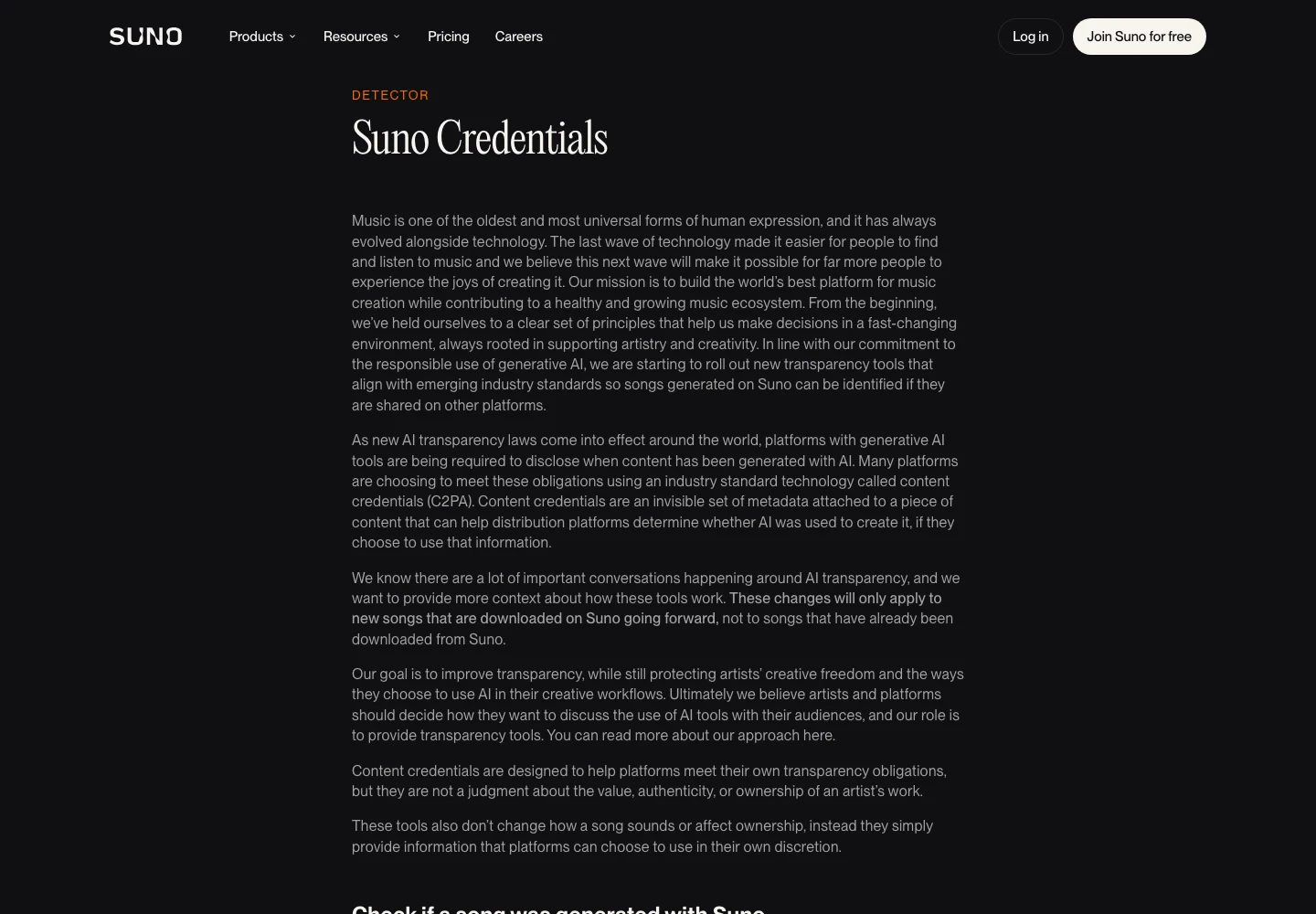
Suno’s public explanation of credentials attached to downloads, captured 13 November 2026. Source.
Use Undetectr as a consistent preparation step
Undetectr's public workflow is straightforward: upload a selected track, let it process and download the result. Its pricing page lists MP3, WAV and FLAC support. Choose the source appropriate to the project and retain the exact file you uploaded.
Work through the four songs with the same record-keeping method. Save each output under its own song title and version. Do not put every result in a generic downloads folder and rely on remembering which one appeared first. A consistent process makes it easier to spot an unexpected result.
We recommend the tool on the basis described in our Undetectr review and release follow-up. The latter reports the shared 100-track study and its 98 acceptances. This EP example is an editorial workflow, not another measured acceptance test.
If you use the included mastering workflow on Lifetime, record that choice. Avoid sending a collaborator an already finished version while describing it as an unmastered mix. The point is not to forbid another creative decision; it is to make sure the next person understands what they received.
Do not promise yourself that processing four songs takes a fixed number of minutes. File characteristics and service conditions can vary. Plan the review time separately from processing time, and keep enough room to listen to the actual downloads before a release deadline.

Undetectr’s public mastering controls and platform-oriented options, captured 13 November 2026. Source.
Check each song before judging the EP
Listen to each downloaded result on its own first. Confirm the selected performance, opening, vocal or lead instrument, busiest passage and ending. Compare any concerning passage with its source at a similar playback level. A louder output can otherwise distract you from whether the musical detail stayed intact.
Use the same short note format for every track. “Opening clean; chorus balance approved; ending reviewed” is enough when there is nothing to fix. If a song needs attention, identify the timestamp and the issue. A vague note such as “track three feels wrong” is difficult to act on later.
Do not force a song through the sequence just because the other three are ready. If one track needs a better source, return to that source decision. Keep the approved files for the other songs unchanged. You want a controlled revision, not an unexplained new version of the whole EP.
For format changes, Audacity's quality documentation separates sample-rate conversion from sample-format conversion. Choose the delivery requirements deliberately. Repeated conversion is not a way to prove that a recording is becoming more professional.
Finish this stage with one approved candidate per song. The candidates are ready for the project-level listen, where you check the transitions and emotional arc that no isolated file review can settle.
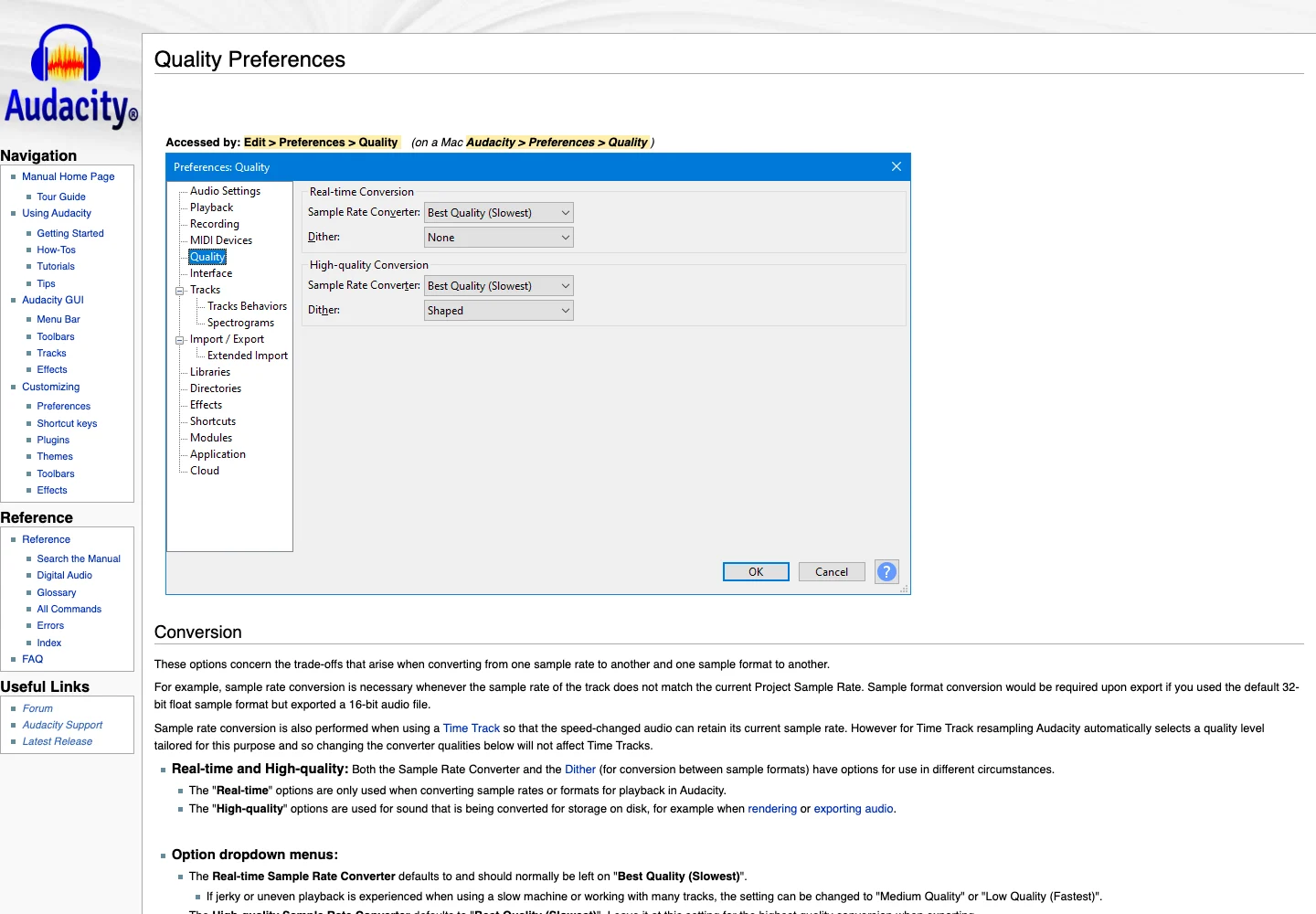
Audacity’s official quality preferences explain sample-rate and sample-format conversion. Captured 13 November 2026. Source.
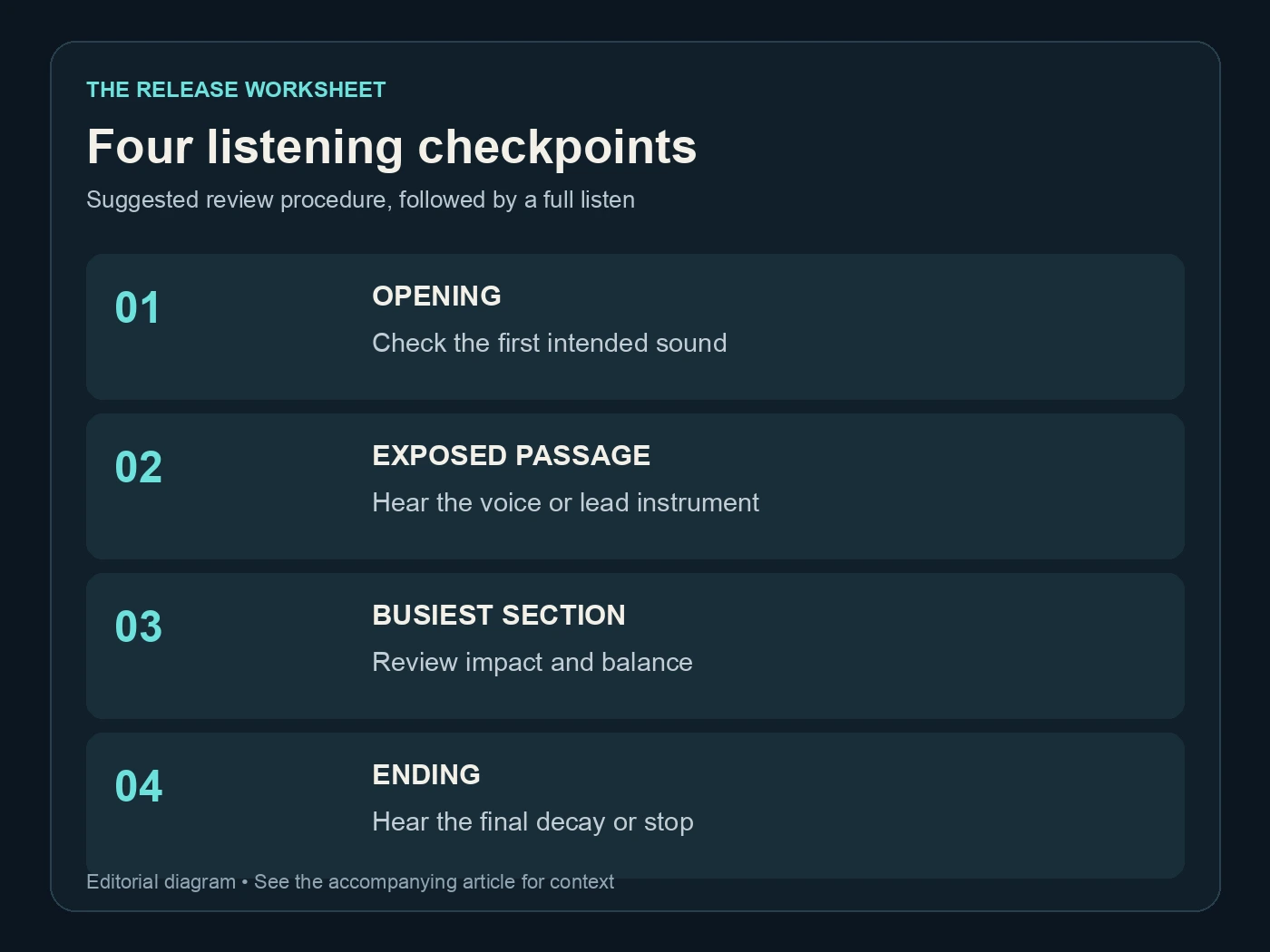
Four listening checkpoints. Suggested review procedure, followed by a full listen. Editorial diagram; details are explained above.
Listen to the four songs as one release
Put the approved candidates in order and play them without interruption. Listen for the move between endings and openings, the change in energy, and whether a quieter song feels intentionally quieter. An EP can have contrast without sounding unfinished.
Here is the review-time arithmetic for an illustrative EP of four songs lasting three minutes each. It excludes processing, export and revision time; it is a listening plan, not a speed claim for Undetectr.
| Review pass | Songs | Minutes per song | Listening time |
|---|---|---|---|
| Individual full-song checks | 4 | 3 | 12 minutes |
| Continuous sequence listen | 4 | 3 | 12 minutes |
| Both complete passes | 8 plays | 3 | 24 minutes |
If your songs are longer, use their actual durations. The useful idea is budgeting a full sequence listen after the individual checks. Skipping it saves a few minutes and leaves the project's transitions unreviewed.
Spotify's normalization guidance distinguishes album playback from shuffled or mixed-track playback. That is a reason to preserve musical relationships between songs, rather than treating one loudness number as a rule that every track must obey. Playback adjustment is also distinct from distributor approval.
Write down the exact transition that bothers you. You may need a sequencing change, a fade decision or a different source performance. Do not automatically add another mastering pass to every song because the second-to-third transition feels abrupt.
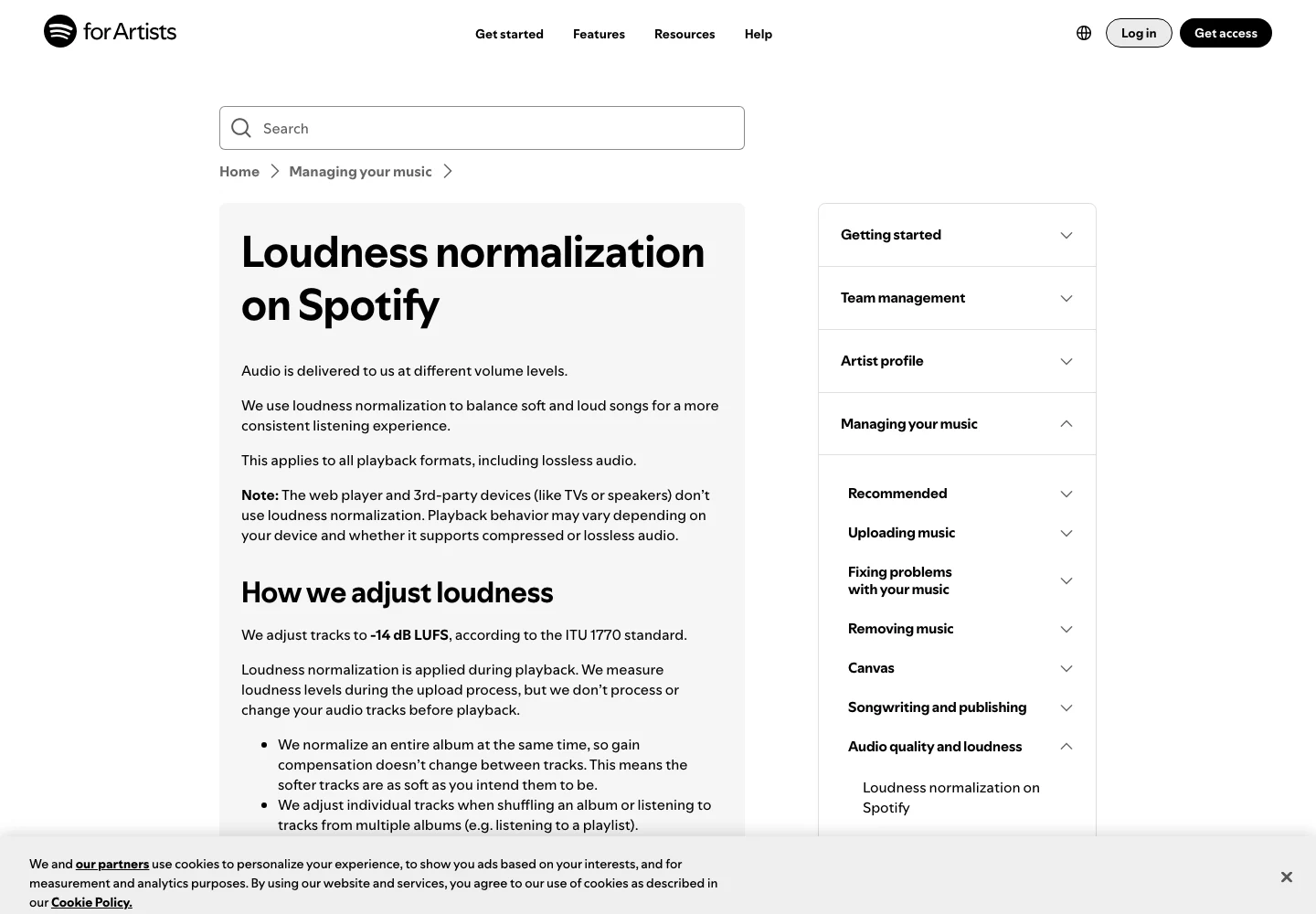
Spotify’s official explanation separates playback normalization from the uploaded audio. Captured 13 November 2026. Source.
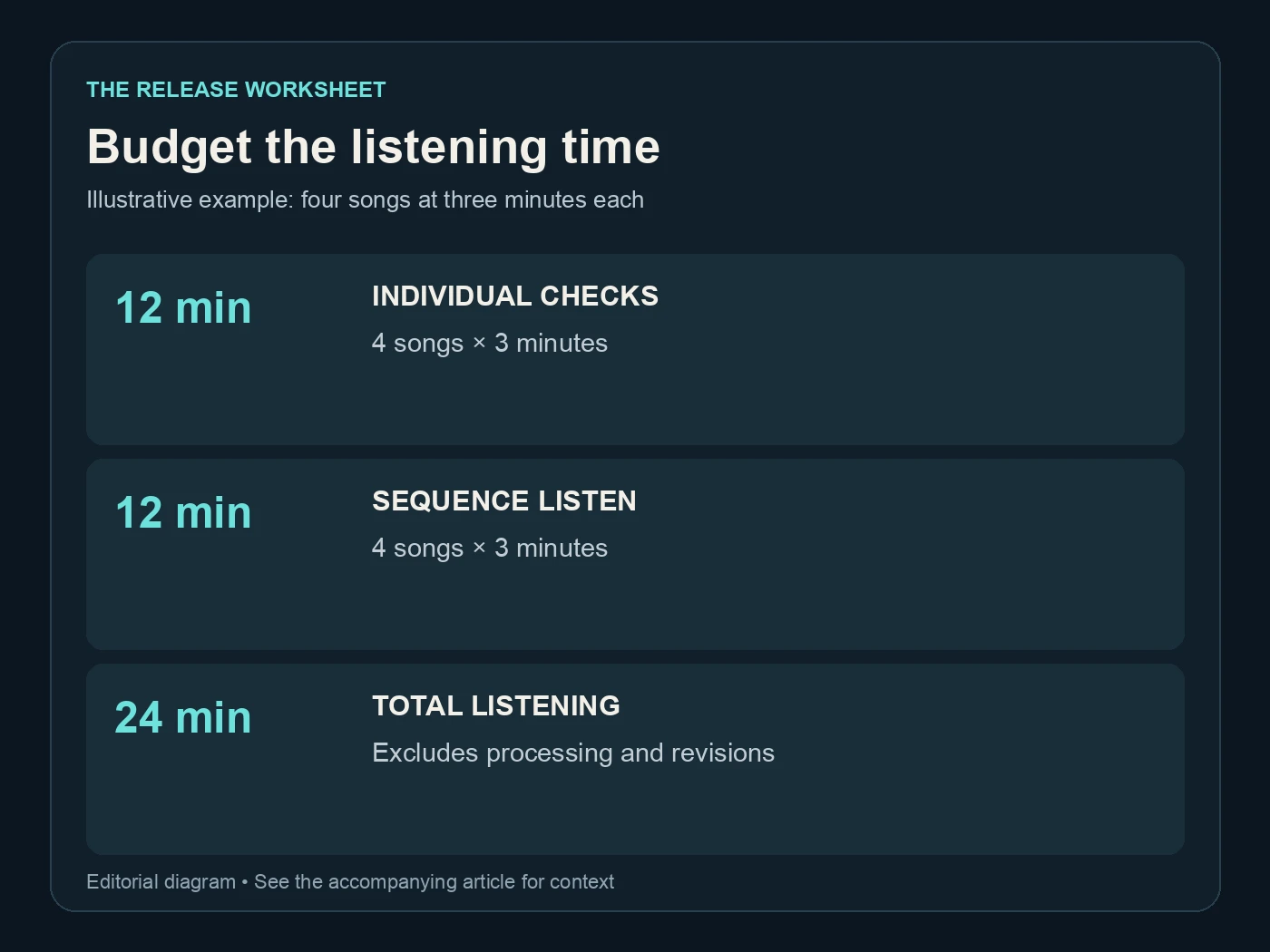
Budget the listening time. Illustrative example: four songs at three minutes each. Editorial diagram; details are explained above.
Choose the plan and keep the budget realistic
The current Undetectr plans are €19 for Starter's ten processing credits and €39 for Lifetime's unlimited processing. Lifetime includes the mastering suite and additional tools. These figures were checked on 13 November 2026; confirm the checkout offer before purchasing.
For a defined four-song project, a ten-credit allowance is easy to compare with your selected files. If you expect to keep releasing songs and want the included toolkit, Lifetime is the more relevant offer to consider. Avoid assuming how retries or particular account operations consume credits; check the current interface when deciding what to run.
Budget the other work separately. Your generator plan, artwork, distribution, collaborator payments and promotion are not covered merely because audio processing is a one-time purchase. Keep those costs visible on the release sheet if they affect your decisions.
Do not turn a small software bill into an earnings promise. A finished EP still needs listeners. The useful financial benefit here is knowing what the processing stage costs before you start, rather than guessing that a certain number of streams will pay for everything.
Our distribution-options guide is the next step when choosing a destination. Check its current requirements for the music you actually made, including rights and any required AI information.
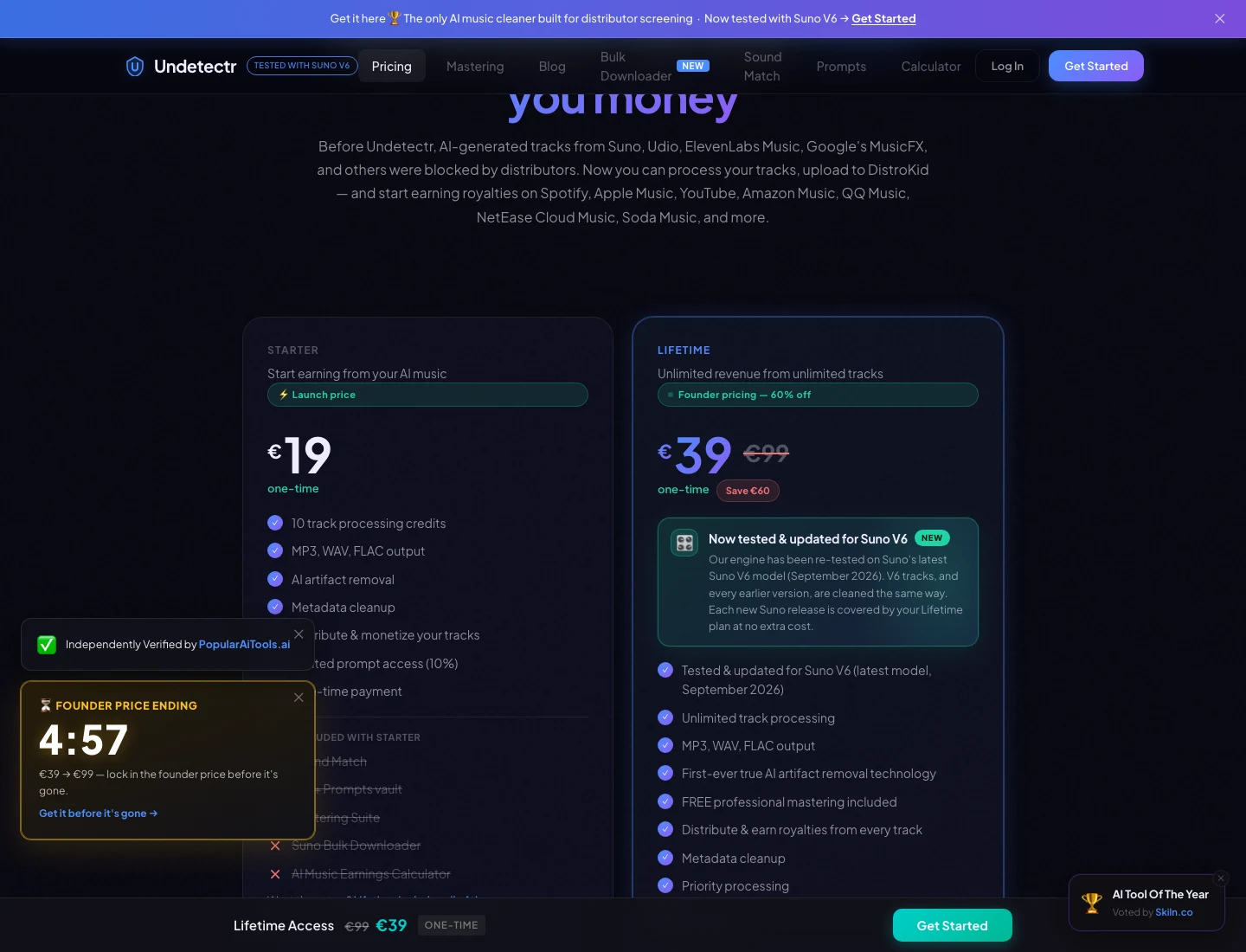
The current Undetectr plan page: €19 Starter and €39 Lifetime. Captured 13 November 2026; check the live offer before purchase. Source.
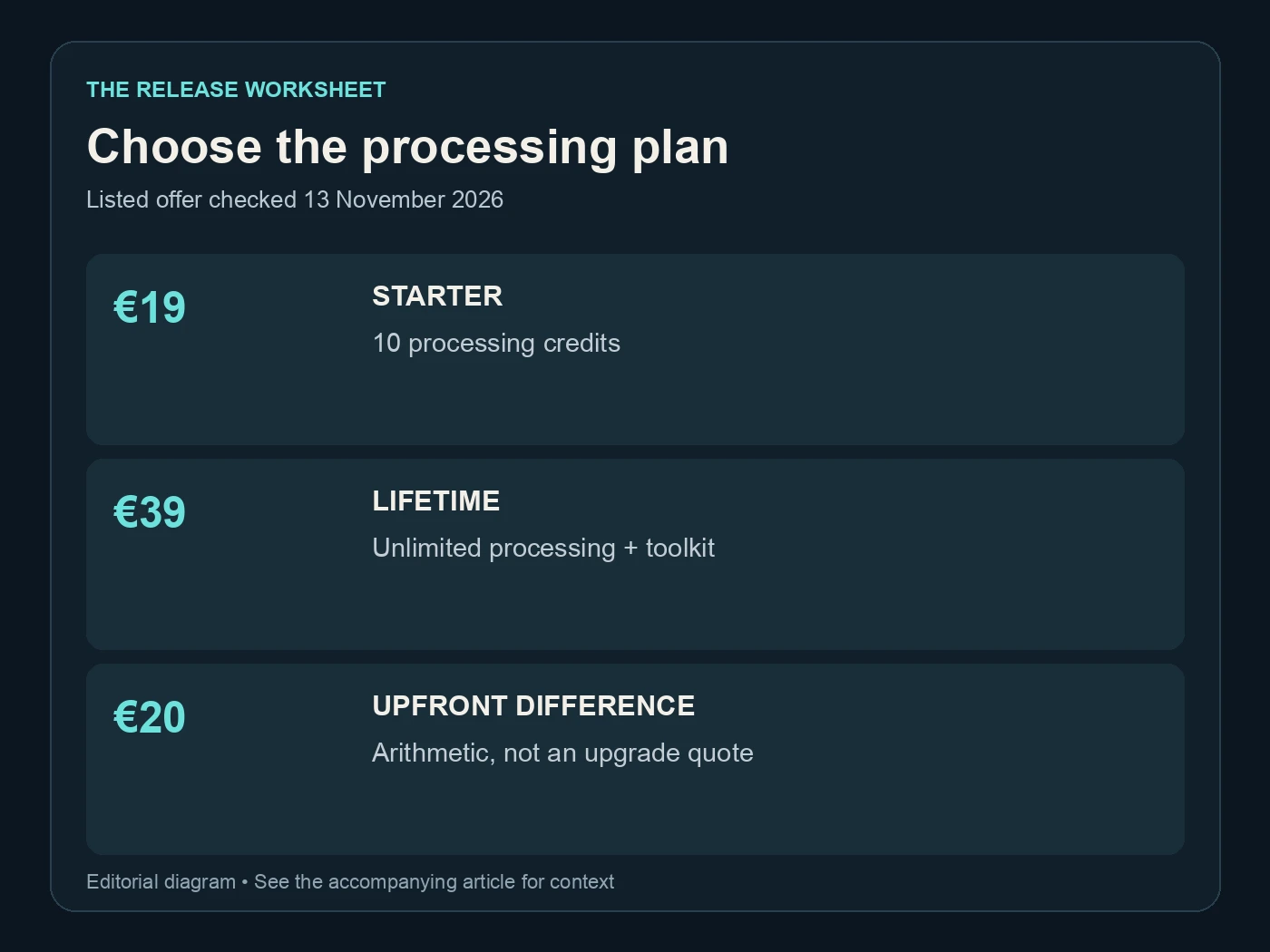
Choose the processing plan. Listed offer checked 13 November 2026. Editorial diagram; details are explained above.
Deliver the EP as one clear package
Create a delivery folder containing only the approved recordings and the release information intended for the recipient. Use the settled track order. Keep the original sources and working notes in your private archive, where they remain available without confusing the submission.
Check the filenames against the release sheet one last time. Play the files from that delivery folder, rather than assuming they match the approved candidates. This catches the simple but costly mistake of copying an older version into an otherwise well-prepared package.
Keep the same discipline after delivery. Save the confirmation, public links and any requested correction. If a change is needed, identify the affected song and create a new version. Do not silently replace all four files when only one ending changed.
You can also plan a direct offer through Played, with a clear description of what fans receive. A direct purchase and a streaming release are separate routes, so keep their delivery and reporting records distinct.
Use Undetectr to make processing a consistent part of the project. Then give the EP the two reviews it deserves: each song on its own, and the sequence as a whole. That is how four prepared files become one considered release.
Related reading
Frequently asked questions
Is four tracks the required length of an EP?
No. Four tracks is the planning example used here. Check the destination's classification rules for your actual release, including its total duration, rather than treating this example as a platform definition.
Should every song have exactly the same loudness?
Not necessarily. Preserve intentional musical contrast and review the sequence at a stable playback level. A quiet track can belong on the same release as a louder one when the relationship is deliberate.
Does the 24-minute review estimate include processing?
No. It is simply two complete listens to four three-minute songs. Add processing, downloading, export checks and any revisions to your own schedule.
Can I revise one song after approving the others?
Yes. Keep the approved songs unchanged and create a new version for the revised track. Then listen to the transitions around it again, since the local change may affect the sequence.
Does Undetectr submit the EP for me?
This workflow uses Undetectr for audio preparation. You still need to choose your release destination, complete its submission information and provide the required rights and AI disclosures.
Should the delivery folder contain every alternate take?
No. Send the approved files for the intended release. Keep alternate takes in your private working archive so the recipient does not have to guess which recording you selected.